3-26
SETTINGS
Bluetooth details
(2)
(1)
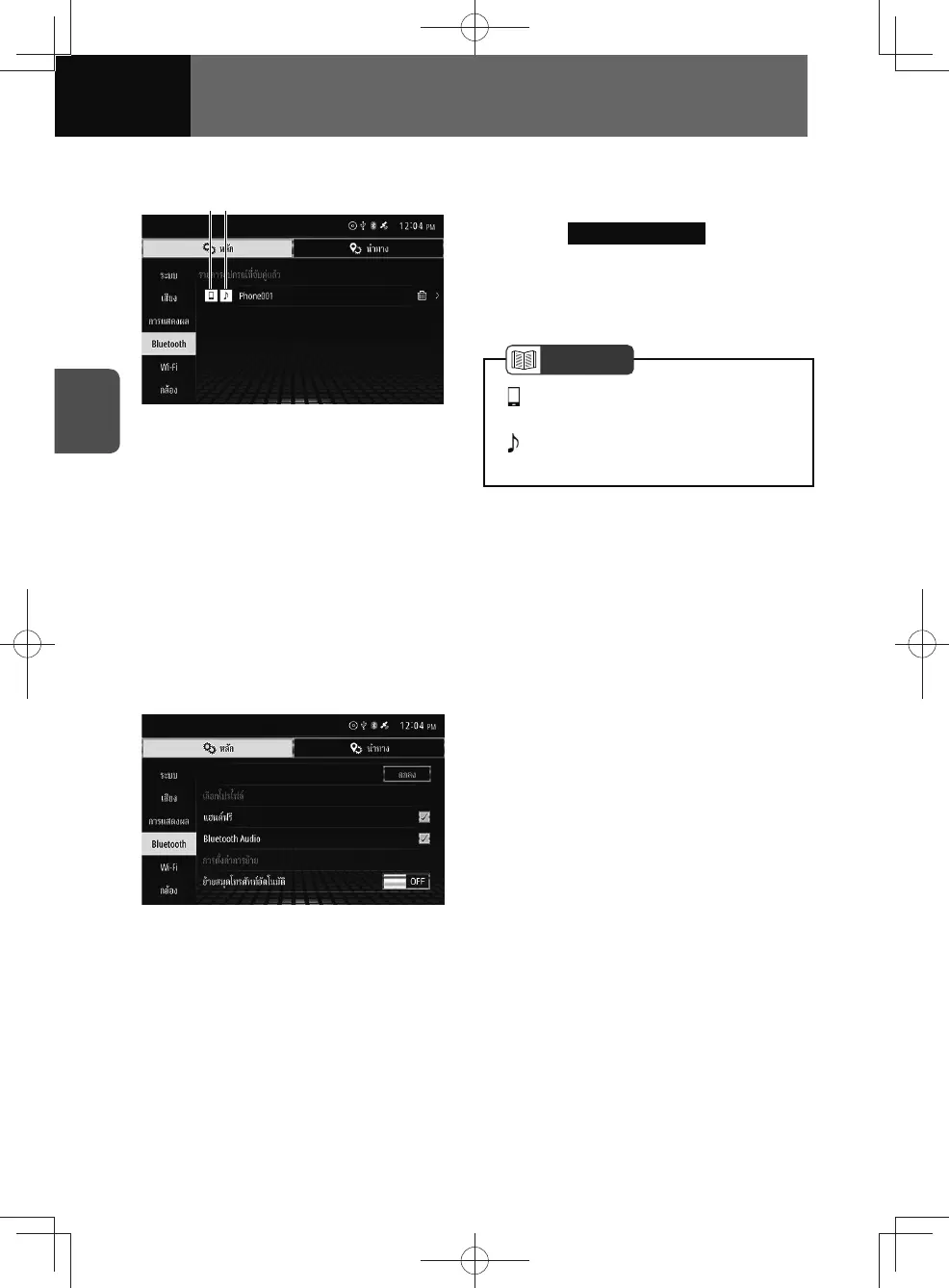
1. On the Bluetooth settings screen,
touch Paired Device List .
2. Touch the mobile phone or
portable device you want to
adjust.
NOTE
• : Enables to use the handsfree
phone.
•
: Enables to use the Bluetooth audio
player.
(1) Indicates that your mobile device is
successfully connected with HFP
(Hands-Free Profile).
(2) Indicates that your audio device is
successfully connected with A2DP
(Advanced Audio Distribution
Profile) or AVRCP (Audio/Video
Remote Control Profile).
3. Touch the setting you want to
change.











 To Next Page