3-16
SETTINGS
Display Settings
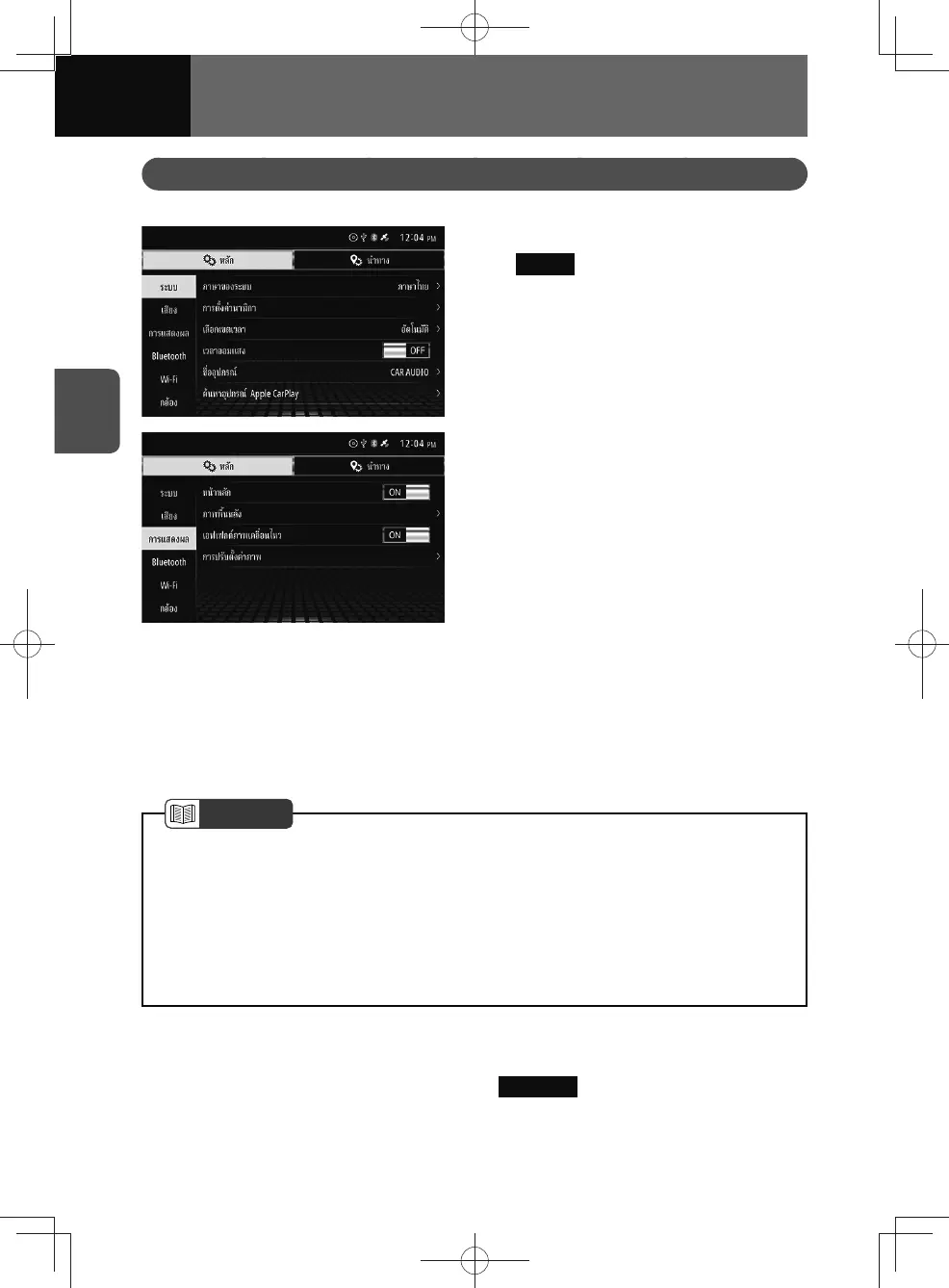
This allows you to change display settings.
1. On the settings screen, touch
Display .
2. Touch the setting you want to
change.
Home screen settings
By switching the Home Screen settings is on, you can display the home screen on two
screens. (See page 2-10)
1. On the Display setting screen, touch the toggle button in "Home Screen".
• Touch "ON/OFF" to change the setting of home screen.
NOTE
<Models without NAVI>
• The default setting is off (full-screen) displayed. Switching the Home Screen
settings is on, you can uses two-screen display and widgets.
<Models with NAVI>
• Switching the Home Screen settings is off disables two-screen display and
widgets.
Wallpaper settings
1. On the Display settings screen, touch Wallpaper .
2. Touch the wallpaper you want.











 To Next Page