9-3
STEERING WHEEL BUTTONS
NOTE
• You cannot change to an audio mode which is unavailable.
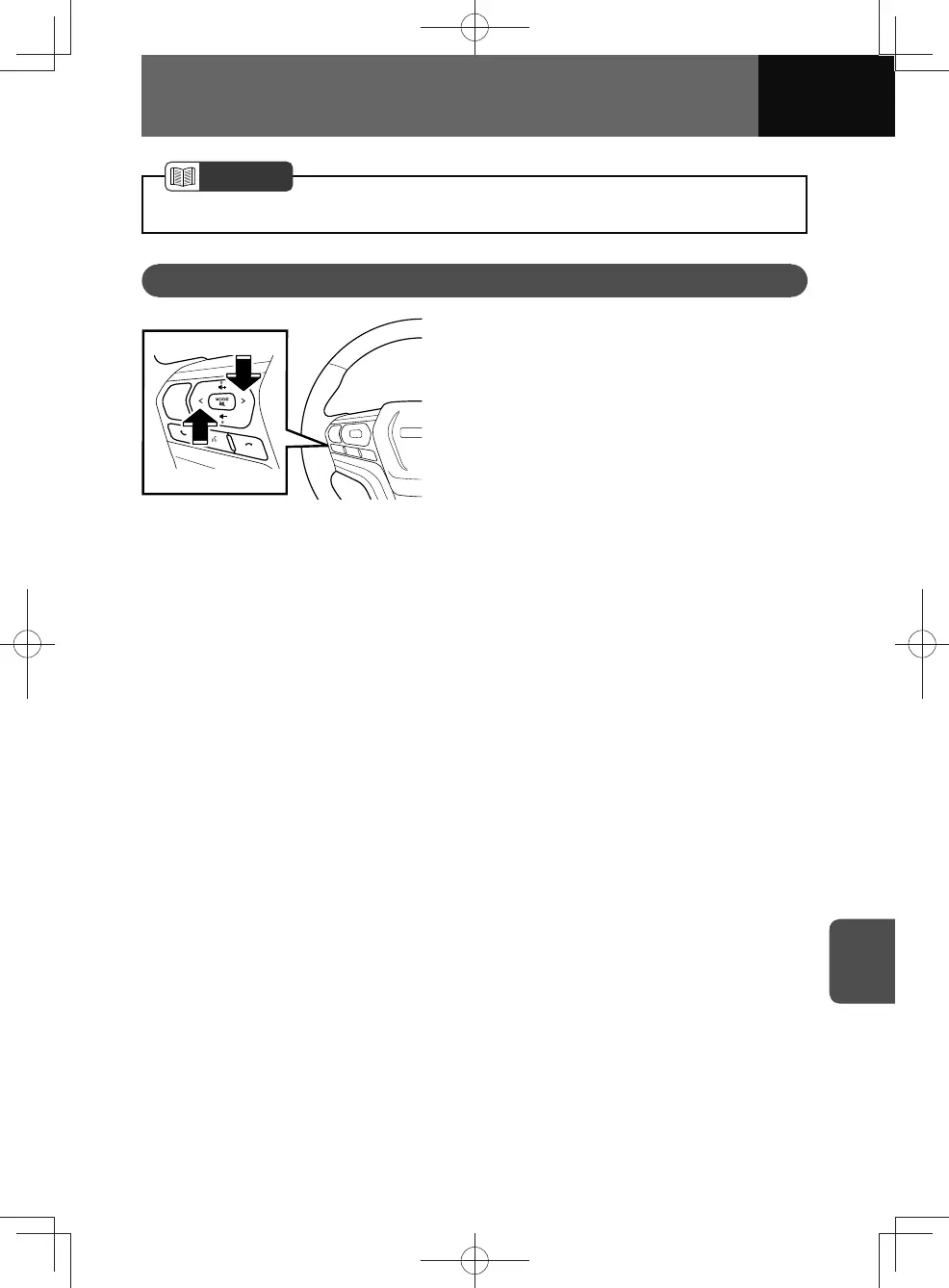
SEEK Button
1. To operate the following, press or
press and hold the button.
• Radio (AM, FM) mode:
– Press this button to navigate
preset up or preset down.
– Press and hold this button to
navigate seek up or seek down.
• Disc (CD,VCD)*, iPod and
Bluetooth audio mode:
– Press this button to navigate
track up or track down.
– Press and hold this button
to start fast forward or fast
reverse.
• Disc (MP3/WMA/AAC)* and USB
mode:
– Press this button to navigate file
up or file down.
– Hold this button down to fast-
forward or rewind.
• Disc (DVD)* mode:
– Press this button to navigate
chapter up or chapter down.
– Press and hold this button
to start fast forward or fast
reverse.
*:Only when equipped with disc
player.











 To Next Page