3-14
SETTINGS
Treble settings
1. On the Audio settings screen, touch Treble .
2. Drag the cursor to the position you want.
Automatic sound leveliser settings
1. On the Audio settings screen, touch Auto Sound Level .
2. Touch the sensitivity you want.
• OFF : Turn the automatic sound leveliser off.
•
Low : Select low sensitivity for interior noise.
•
Mid : Select medium sensitivity for interior noise.
•
High : Select high sensitivity for interior noise.
Sound effect settings
The optimal acoustical space for the vehicle can be created by setting the sound
effects.
1. On the Audio setting screen, touch the toggle button in "Sound Effect".
• Touch "ON/OFF" to change the setting of sound effect.
NOTE
• Sound effects cannot be set for phone calls or guide sounds.
Compressor settings
By switching this function to on, the sound volume can be controlled to reduce the
difference in volume between loud and soft sounds.
1. On the Audio setting screen, touch the toggle button in "Compressor".
• Touch "ON/OFF" to change the setting of compressor.
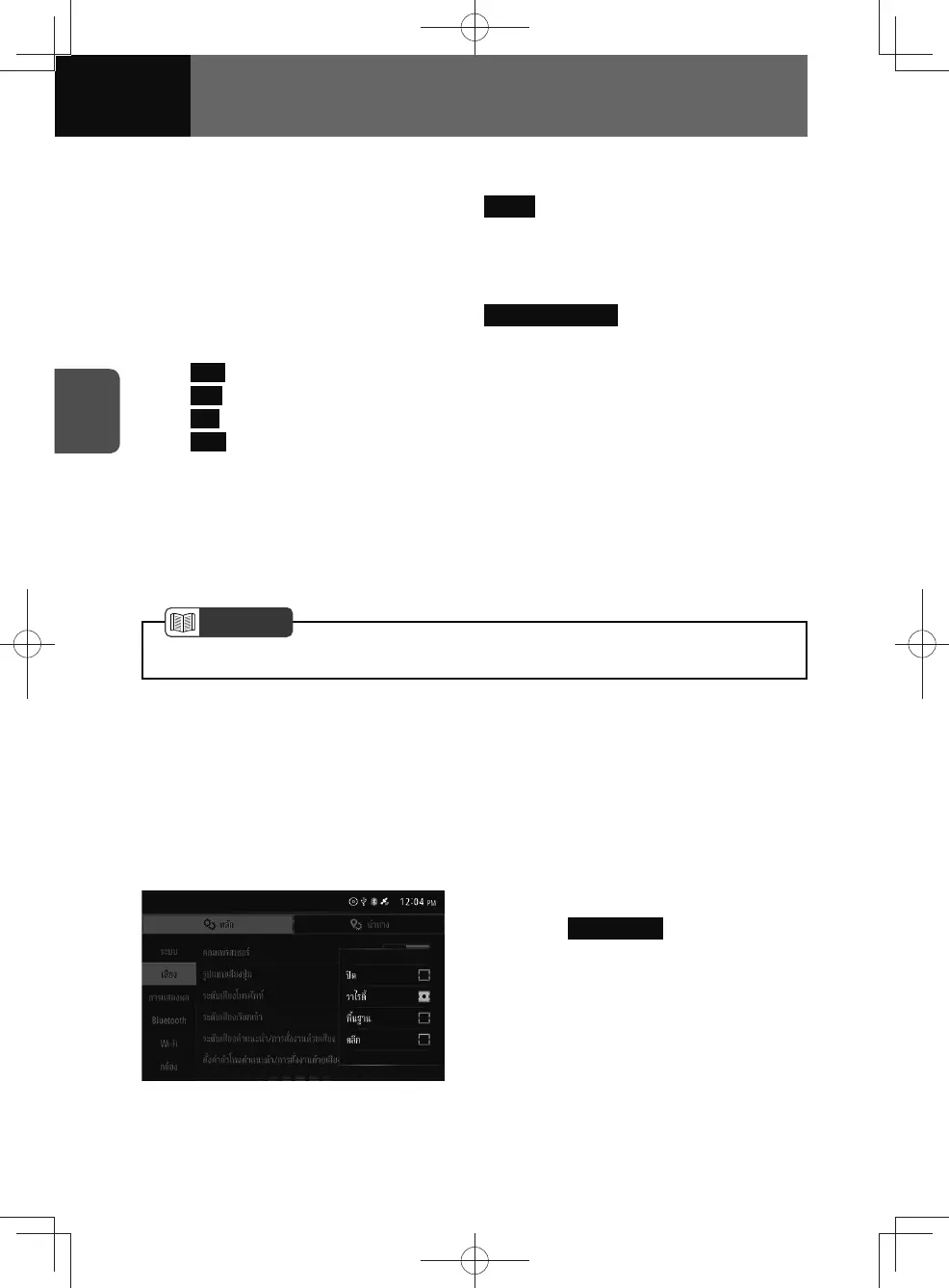
Beep sound settings
1. On the Audio settings screen,
touch Beep Sound .
2. Touch the beep sound you want.











 To Next Page