3-7
SETTINGS
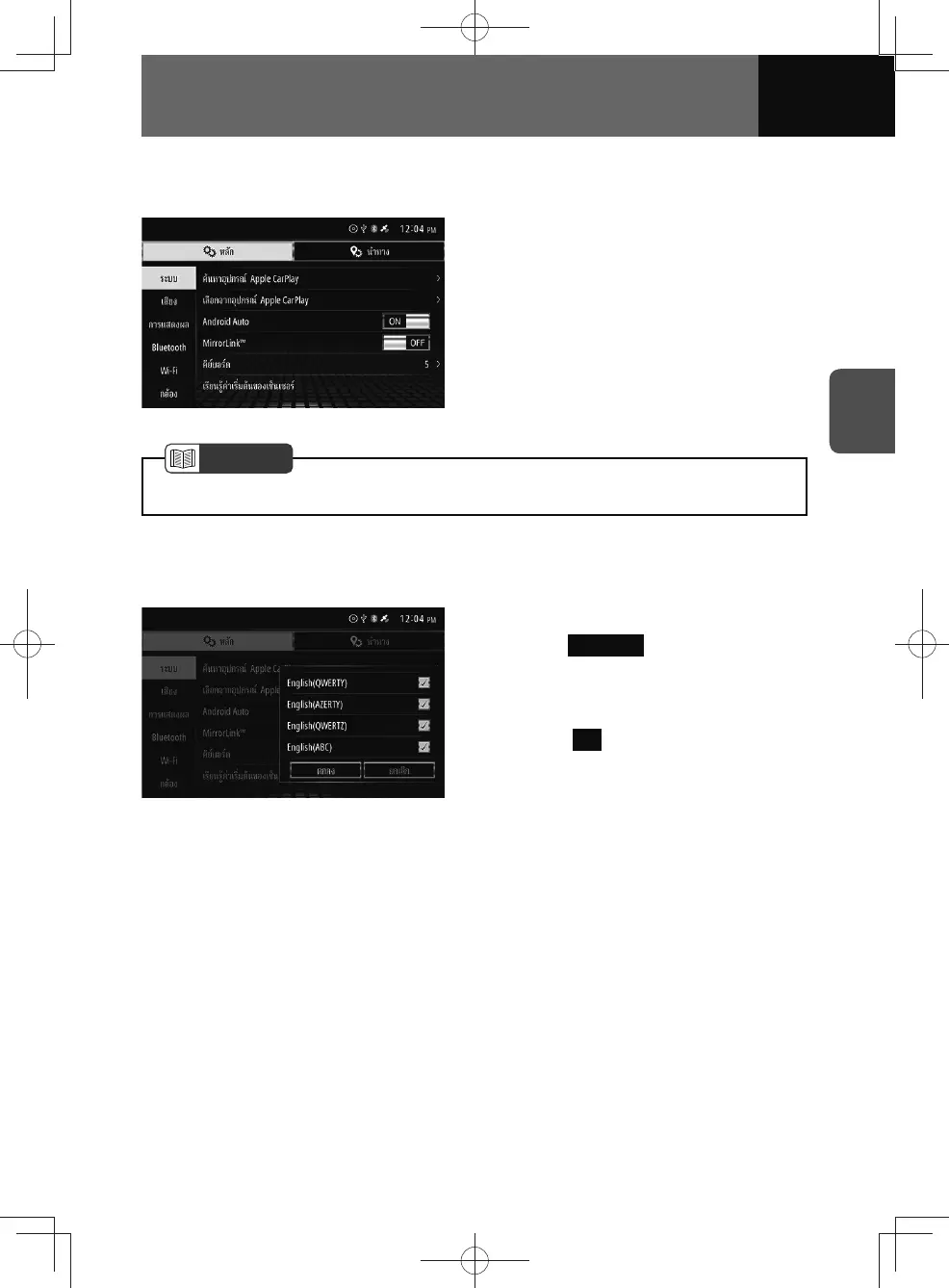
MirrorLink™ settings
You can turn MirrorLink™ on and off.
1. On the System settings screen,
touch the "MirrorLink™" toggle
button.
• Touch "ON/OFF" to change the
setting of MirrorLink™.
• Turning MirrorLink™ on will turn
Android Auto off.
NOTE
• See "MirrorLink™" on page 7-12 for more information about MirrorLink™.
Keyboard settings
This allows you to change the keyboard layout or language settings.
1. On the System settings screen,
touch Keyboard .
2. Touch the desired layout or
language from the list.
3. Touch OK .











 To Next Page