5-13
AUDIO
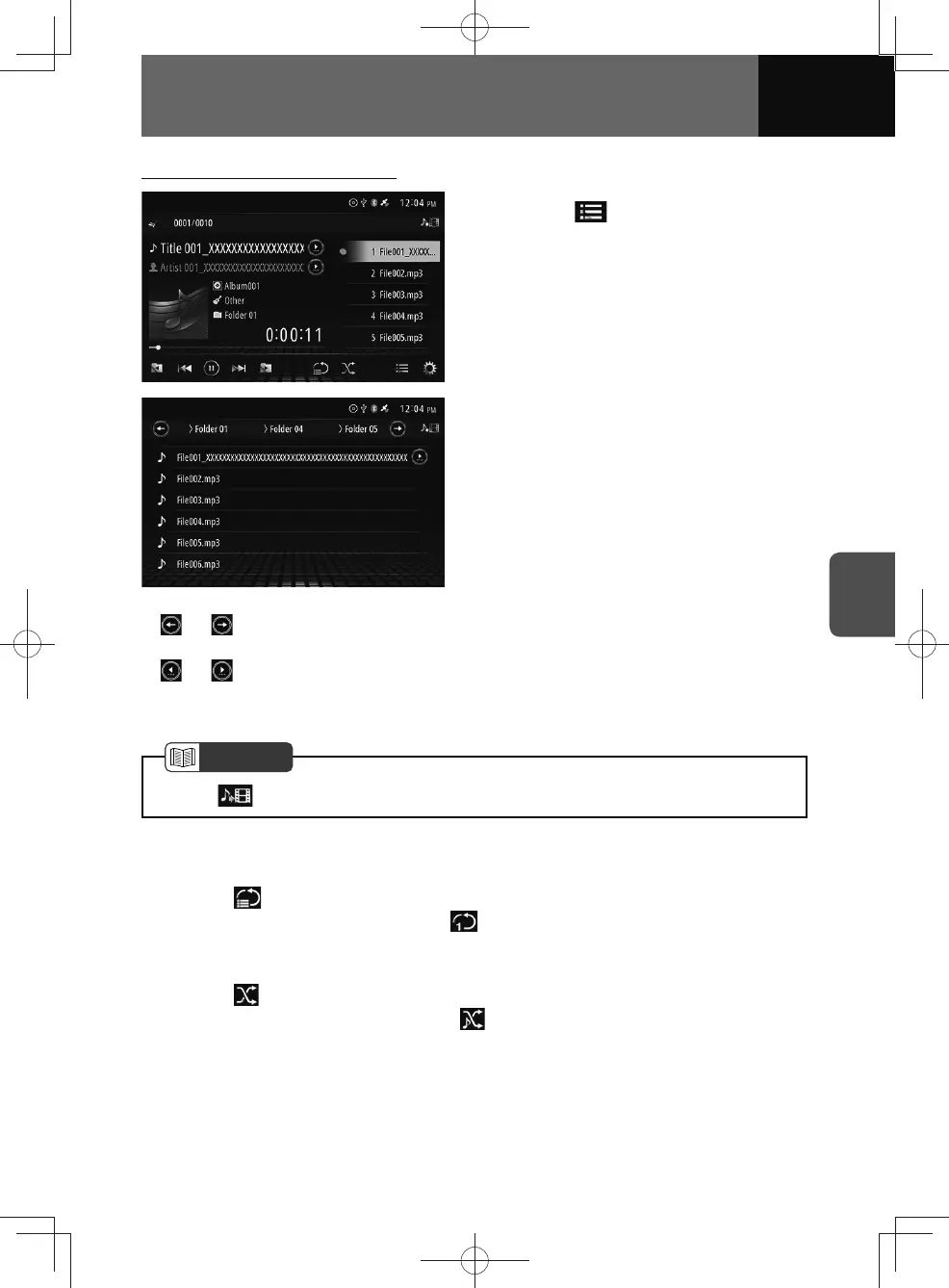
Selecting a file from the file list
1. Touch .
• Select a track from a genre or
folder.
2. Touch the file you want.
• When touching the structure name,
the touched page will be displayed.
•
or : Displayed if there are multiple folder layers. Touch to scroll through the
display.
•
or : Appear if the characters of the name on the list exceed the display limit.
Touch the buttons to scroll the display.
• Swipe the screen up or down: Scroll the list.
NOTE
• Touch to switch to the video file list.
Repeat playback
1. Touch .
• To cancel repeat playback, touch again.
Random playback
1. Touch .
• To cancel random playback, touch again.











 To Next Page