5-26
AUDIO
Changing the screen settings
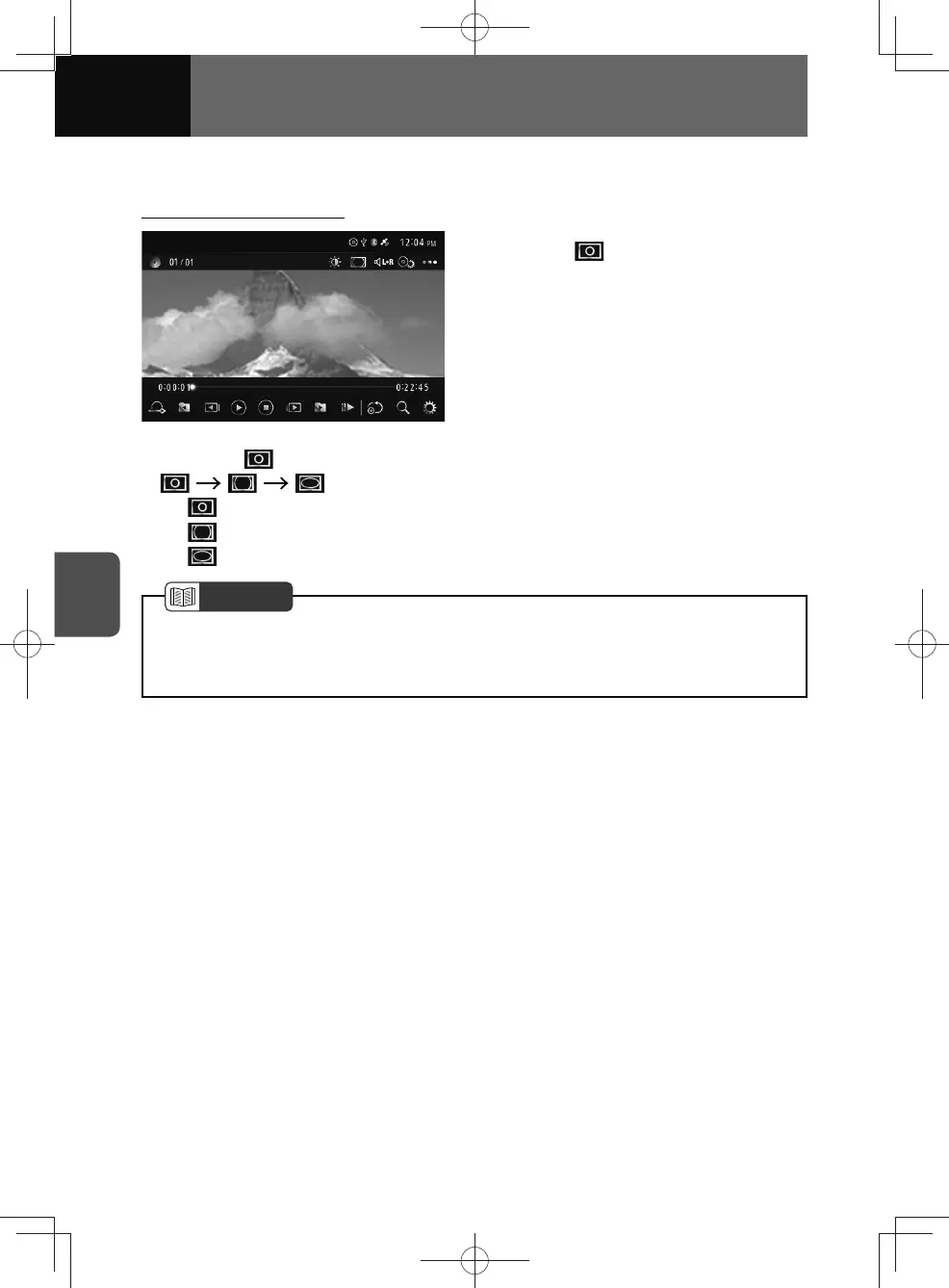
Changing the image size
1. Touch .
• Whenever is touched, the mode is switched in the following order.
...
−
(Normal): Black strips are shown on the left and right edges of the screen.
−
(Full): Image will be enlarged in all directions.
−
(Zoom): Image is enlarged horizontally.
NOTE
• Viewing a video on the zoom screen for personal enjoyment is permitted. However,
compressing or enlarging the picture for commercial purposes or public display
may infringe the copyright, as protected under copyright law.











 To Next Page