4-19
NAVIGATION (Models with NAVI)
Searching by your favourite location
This features is available only when the favourite locations are saved. See "Saving
Your Favourite Locations" on page 4-24 for details on the saving favourite locations.
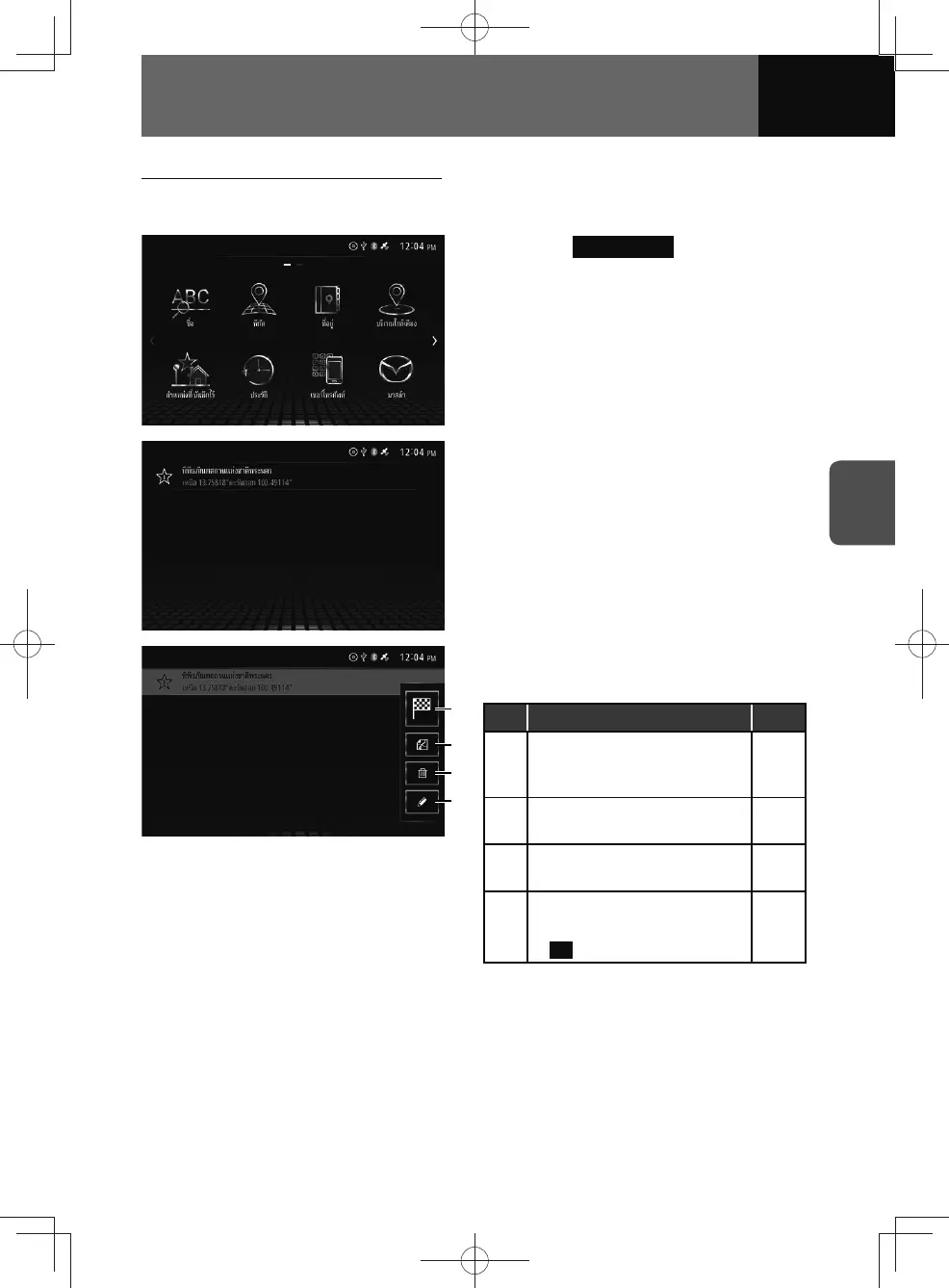
1. Touch Saved Points .
2. Select the desired destination
from the list.
(4)
(3)
(2)
(1)
3. The following menu will be
displayed.
No. Function Page
(1)
Sets the previous search
location as the new destination
or waypoint.
4-10
(2)
Display the destination location
map and information screen.
4-23
(3)
Delete the destination history
in the list.
—
(4)
Edits the favourite.
• Edits the contents, touch
OK .
—











 To Next Page