2-7
BEFORE USE
Operating with Gestures
You can operate this unit with touch gestures.
CAUTION
• Touch the touch screen buttons with your finger. Operating touch screen buttons
with the point of hard objects, such as ballpoint pens and mechanical pencils, may
damage the screen.
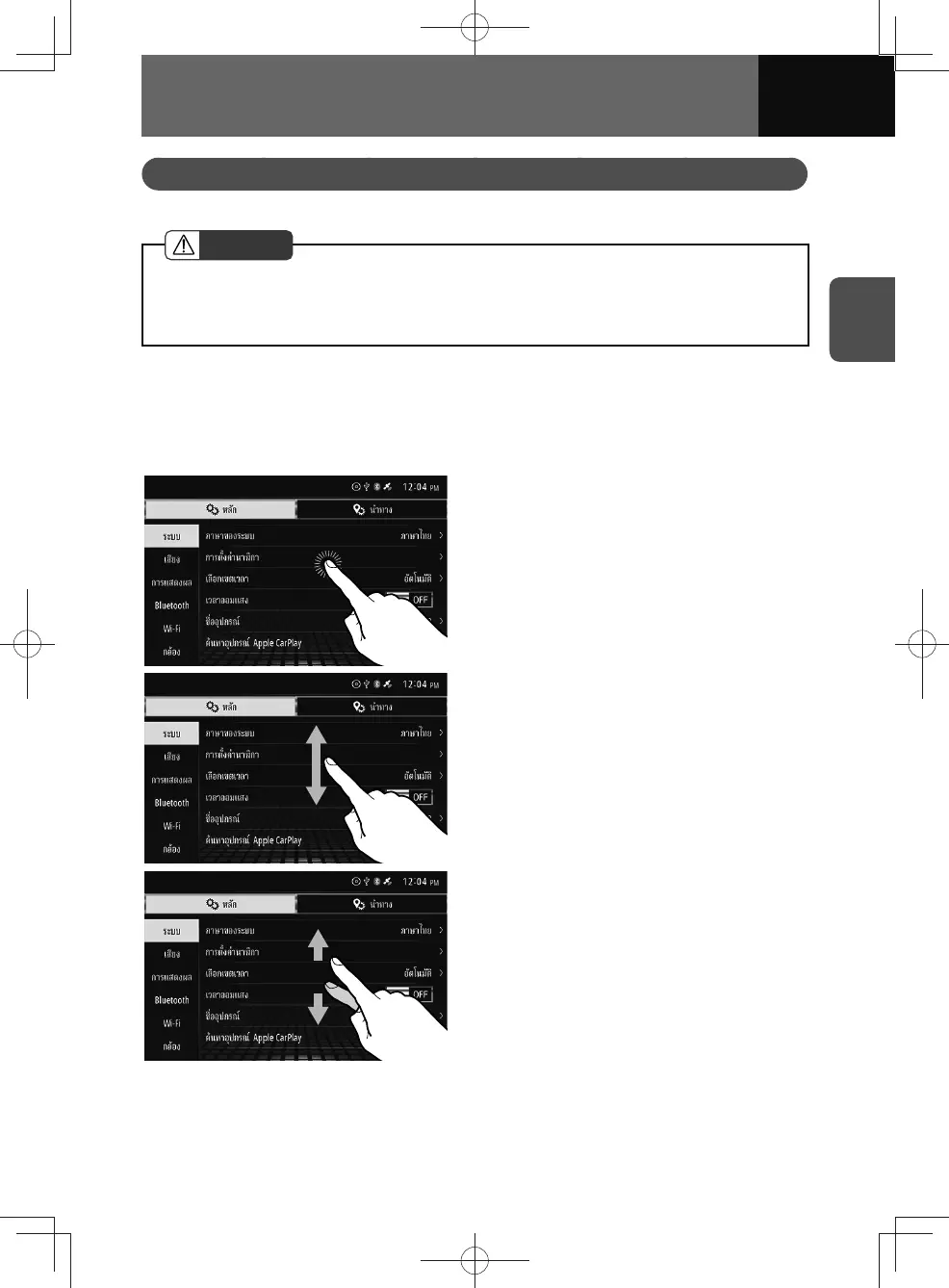
Touch gestures
You can operate this unit using the following touch gestures.
For touch gestures on the map screen, see "Changing the scale of the map" on page
4-8.
• Touch:
Touch to select an item on the screen.
• Drag:
Drag the screen to scroll it along with the
movement of the finger.
• Flick:
Flick a finger up/down/left/right on the
screen to quickly scroll the screen in that
direction.











 To Next Page