2-3
BEFORE USE
How to Use This Unit
Opening Screen
WARNING
• The driver should not operate or focus on the screen while driving. If the driver
wants to operate the unit, stop the vehicle in a safe location first.
NOTE
• The explanations in this manual use screen images from the navigation model.
1. Turn on the vehicle engine.
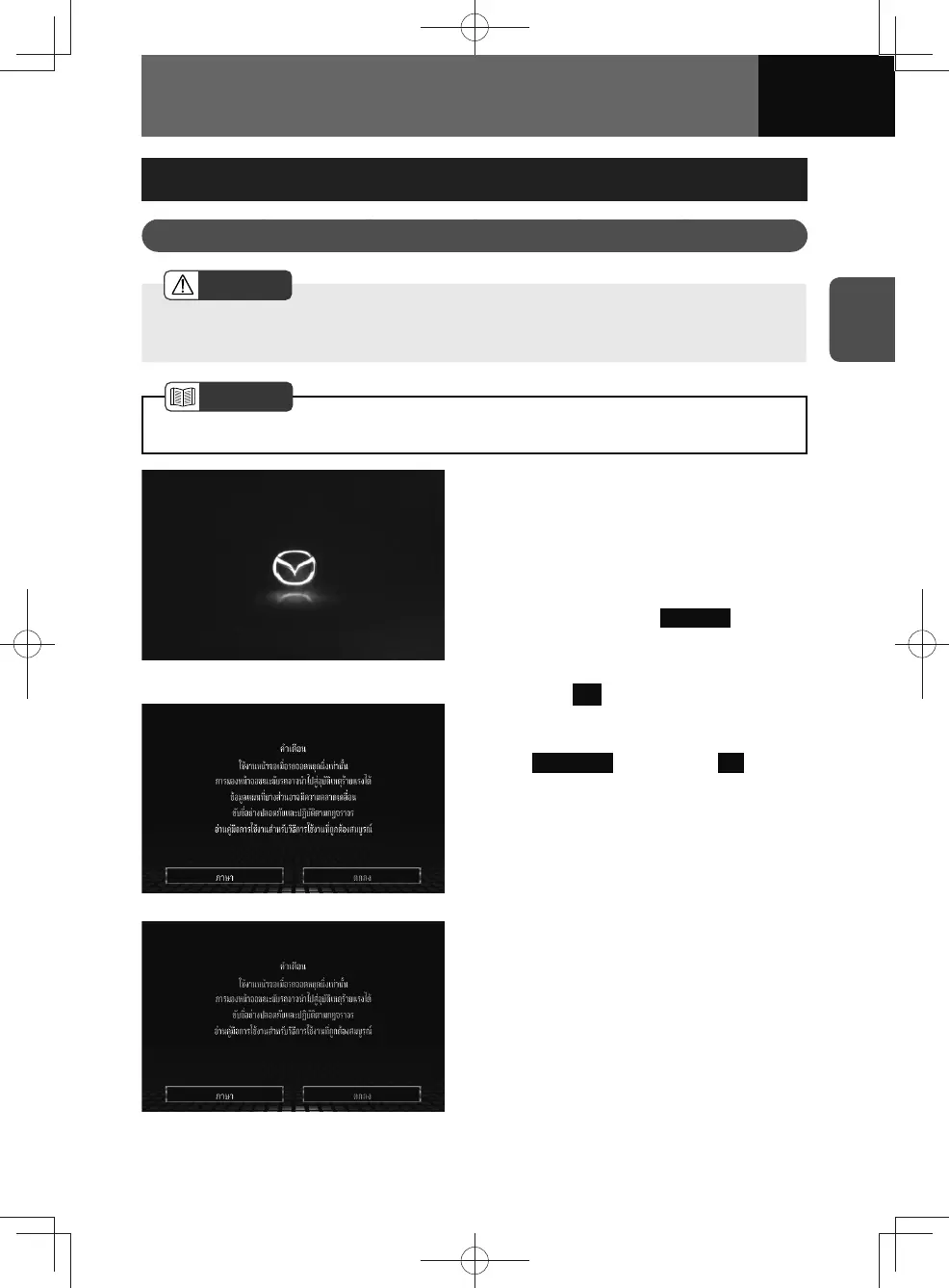
• "Now Loading…" appears on the
screen. Shortly after, the MAZDA
logo is displayed for a few seconds,
followed by the "CAUTION" screen.
• If you want to select the screen
language, touch
Language . Touch
the desired language on the
language selection screen.
<Models with NAVI>
<Models without NAVI>
2. Touch OK .
• When this unit is started up, it
may take a few seconds for the
Preparing... to change to OK on the
"CAUTION" screen.
This is normal operation for the
startup of this unit.











 To Next Page