3-11
SETTINGS
Viewing update history
You can view system and data update history.
1. On the System Update screen, touch Update History .
• This displays the update history list.
Viewing system data
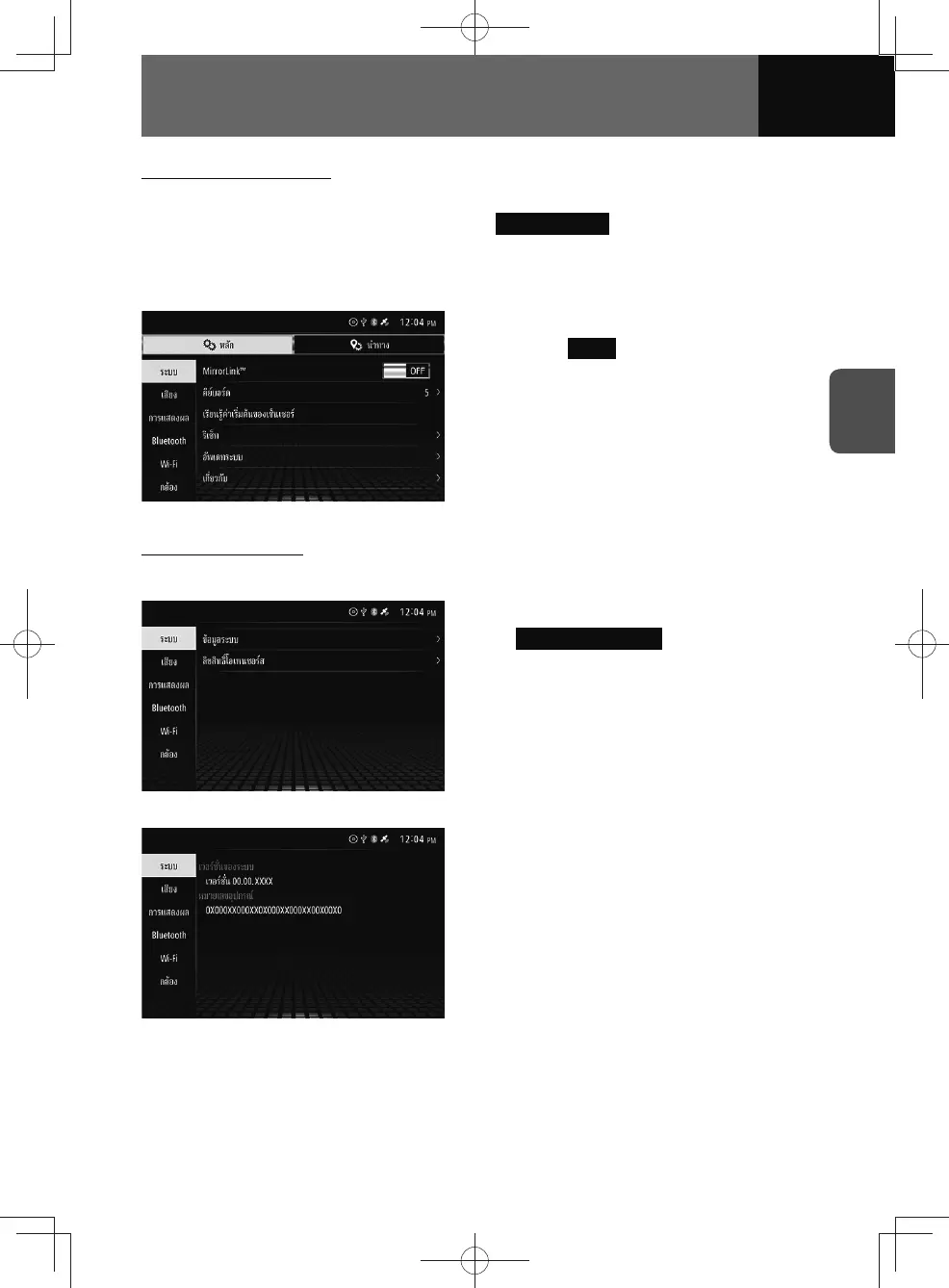
1. On the System settings screen,
touch About .
System information
<Models without NAVI>
1. On the About screen, touch
System Information .
• The System information screen is
displayed.
• See "Open Source License
Information" on page 11-22 for
details about the open source
license.
<System information screen>











 To Next Page