3-19
SETTINGS
Bluetooth on/off
This allows you to turn Bluetooth features on and off.
1. On the Bluetooth setting screen, touch the toggle button in "Bluetooth".
• Touch "ON/OFF" to change the setting of Bluetooth.
NOTE
• To enable Android Auto "Bluetooth" is automatically turned on when a device is
connected via USB.
Paired device list
It is possible to check paired mobile phones and portable devices, and to delete them.
Check paired devices
1. On the Bluetooth settings screen, touch Paired Device List .
• Paired devices are displayed.
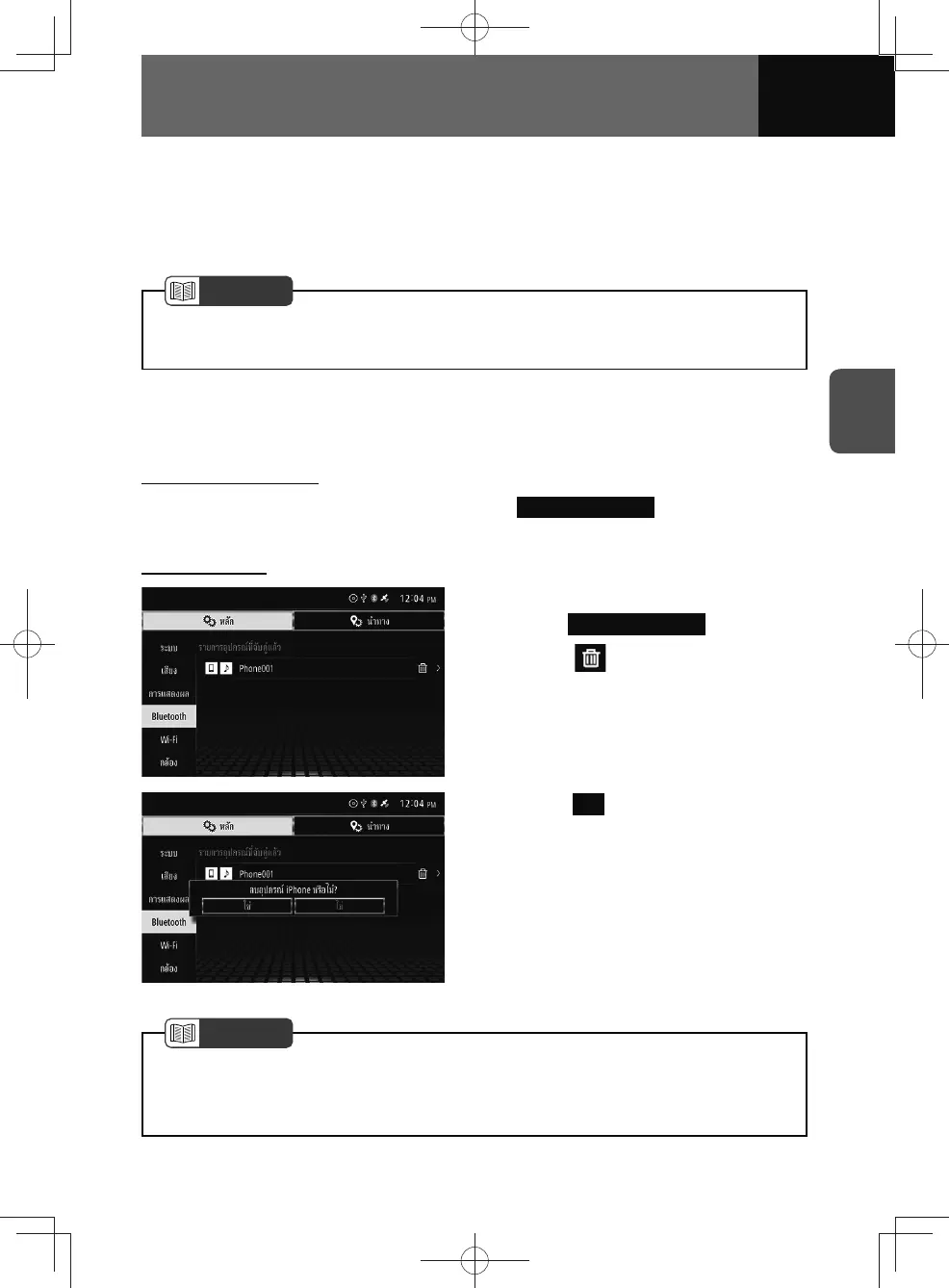
Delete a device
1. On the Bluetooth settings screen,
touch Paired Device List .
2. Touch by the mobile phone
or portable device to delete.
3. Touch Yes .
NOTE
• If there are no paired devices, this item will be greyed out and cannot be selected.
• If a mobile phone is deleted, all data associated with the device is also deleted,
including call history and address book data.











 To Next Page