3-29
SETTINGS
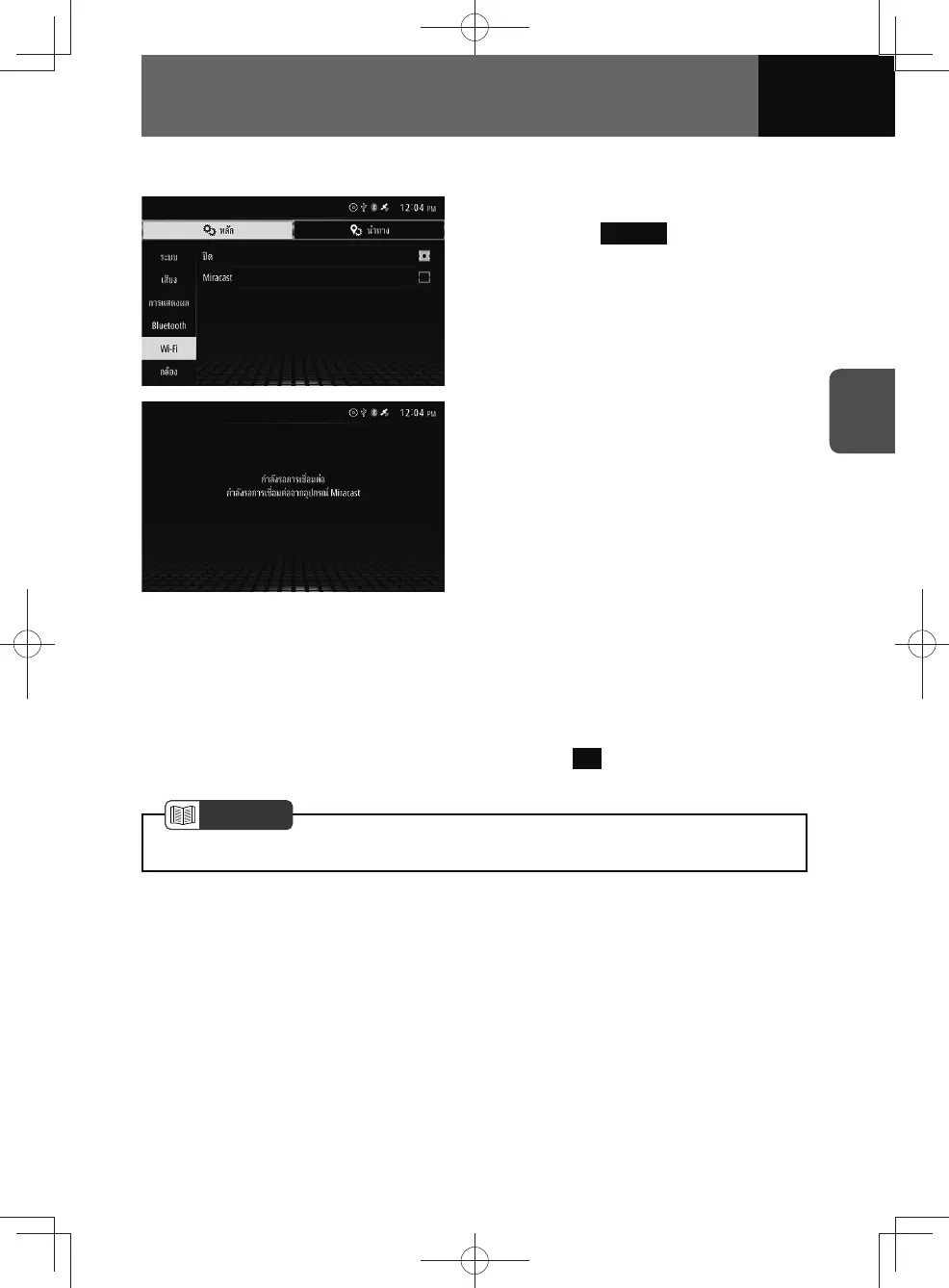
Miracast on/off
1. On the Wi-Fi settings screen,
touch the Miracast .
2. Enable Wi-Fi on your smartphone.
• For information on how to use your
smartphone, please refer to the
user manual for your smartphone.
• The Miracast display name will
vary according to make and model.
Please refer to the appropriate user
manual for your smartphone model.
• Please connect to the device using
Wi-Fi Direct.
3. Once your smartphone is
successfully connected, it will
appear on the confirmation
screen.
4. Touch OK .
NOTE
• Miracast is not compatible with iPhones.











 To Next Page