5-21
AUDIO
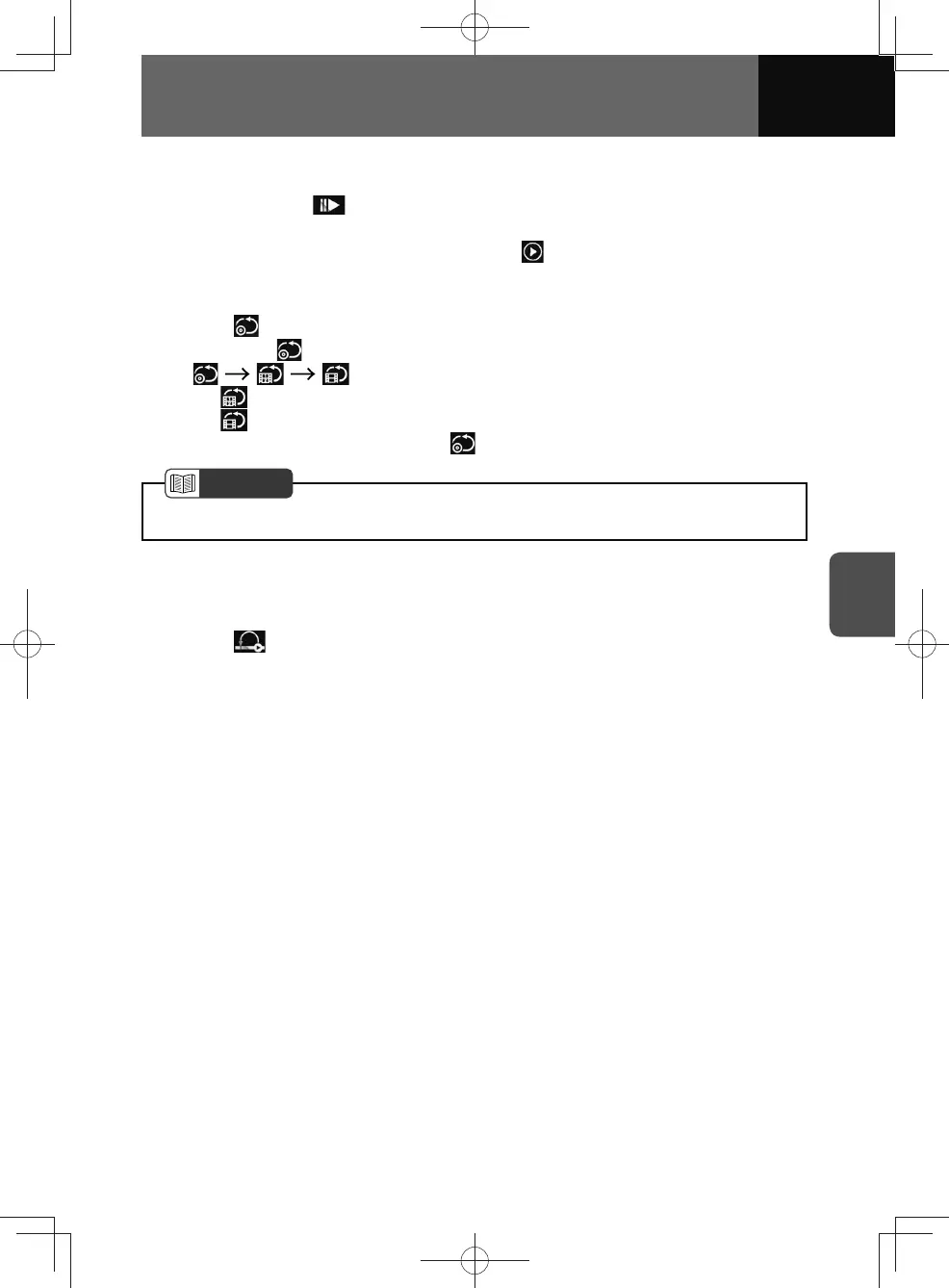
Playback in slow motion
1. Touch and hold for more than 0.5 seconds.
• Touch again to change the playback speed in 3 stages.
• To cancel the slow motion playback, touch
.
Repeat playback
1. Touch .
• Whenever is touched, the mode is switched in the following order.
...
–
: Repeat the selected chapter.
–
: Repeat the selected title.
• To cancel repeat playback, touch
until appears.
NOTE
• Operation and screens may differ due to DVD disc settings.
Playback from a specific point on a disc
You can playback from a specific point on a DVD.
1. Touch .
• This begins playback from a specific point on the disc.











 To Next Page