5-20
AUDIO
Stopping playback
1. Touch .
Searching for a video
You can search for your desired video by chapter, title or number (number assigned to
each content item).
Searching for a chapter
1. Touch / , or press .
• or :
– Touching once will return to the start of the current chapter.
– Touching twice in quick succession will return to the previous chapter.
•
or :
Advance to the next chapter.
Search for a title
1. Touch or .
• : Return to the beginning of the previous title.
•
: Proceed to the next title.
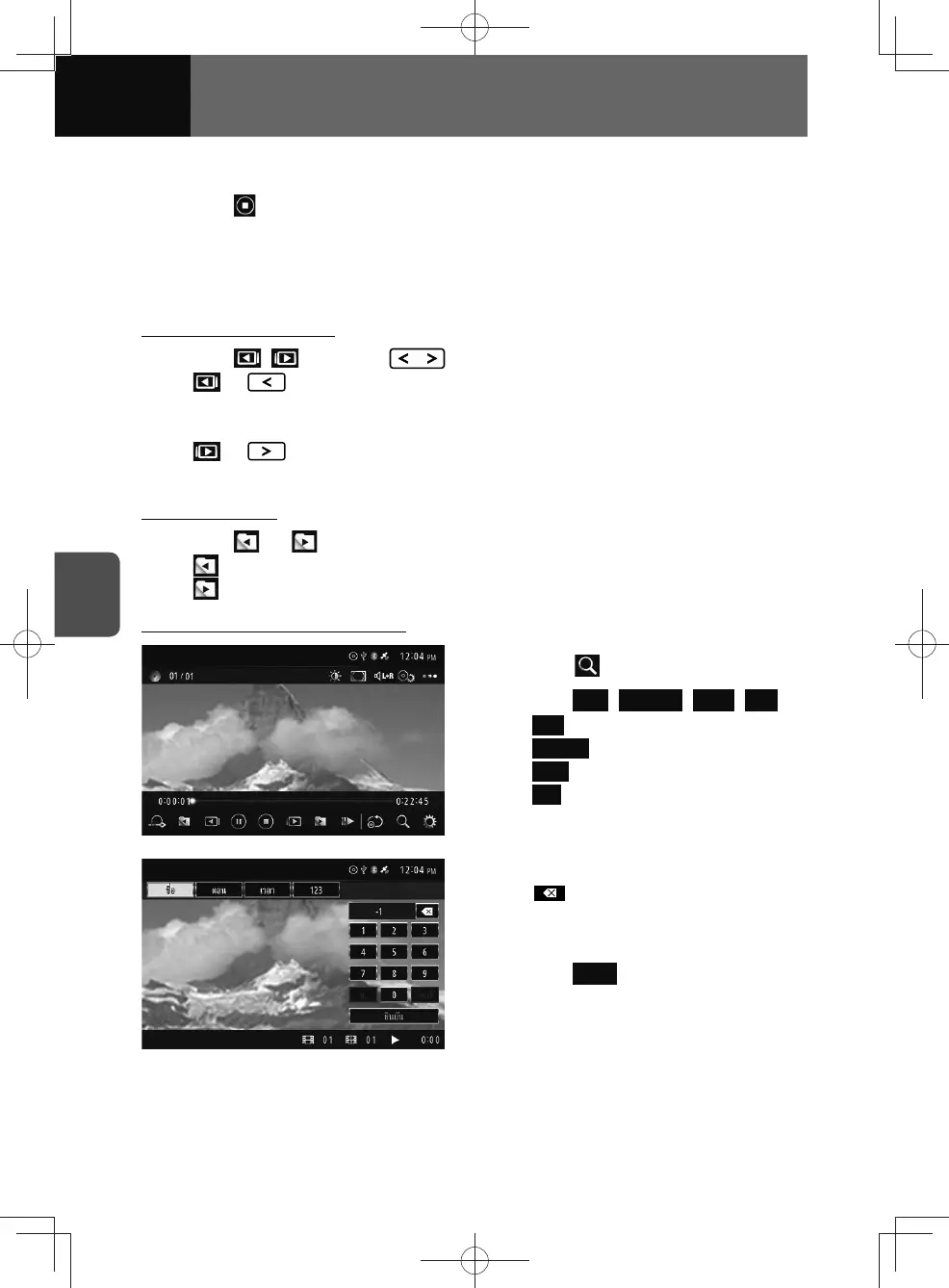
Search using the touch function
1. Touch .
2. Touch Title , Chapter , Time , 123 .
• Title : Search by title number.
•
Chapter : Search by chapter number.
•
Time : Search by playback length.
•
123 : Search by menu number
(breakpoints defined variously by
DVD).
3. Enter number or value.
• :
Touch to delete the number entered
one digit at a time.
4. Touch Enter .











 To Next Page