3-10
SETTINGS
Initialising system settings
This allows you to delete all system settings and restore the device to its factory
defaults.
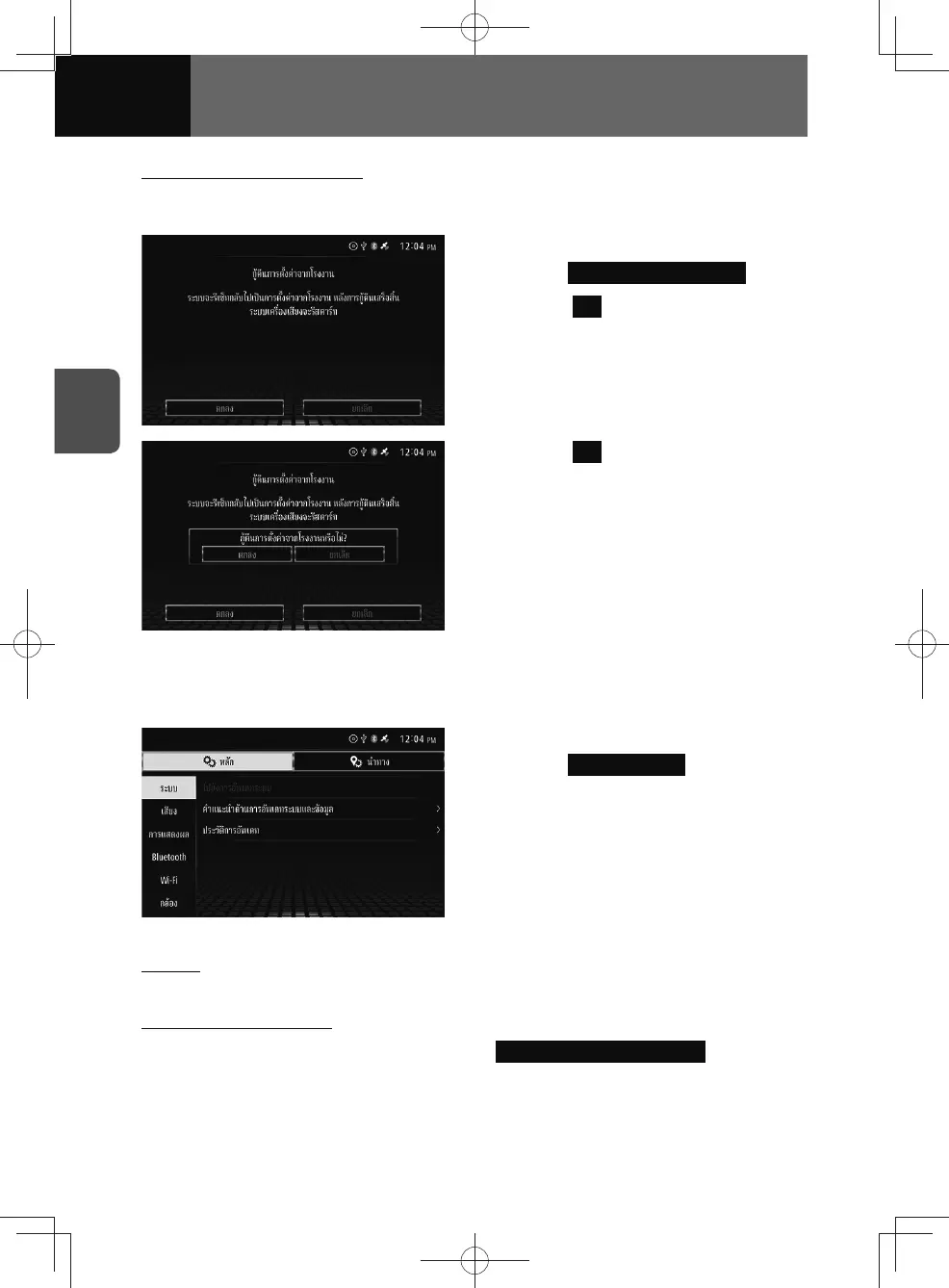
1. On the Reset settings screen,
touch Restore Factory Default .
2. Touch OK .
3. Touch OK .
System update (Models with NAVI)
You can check update methods and history.
1. On the System settings screen,
touch System Update .
• This displays the "System Update"
screen.
Update
See "Updating the Map" on page 4-41 for details about updating.
Check update methods
1. On the System Update screen, touch System & Data Update Help .
• This displays the system & data update help screen.











 To Next Page