3-4
SETTINGS
Clock settings
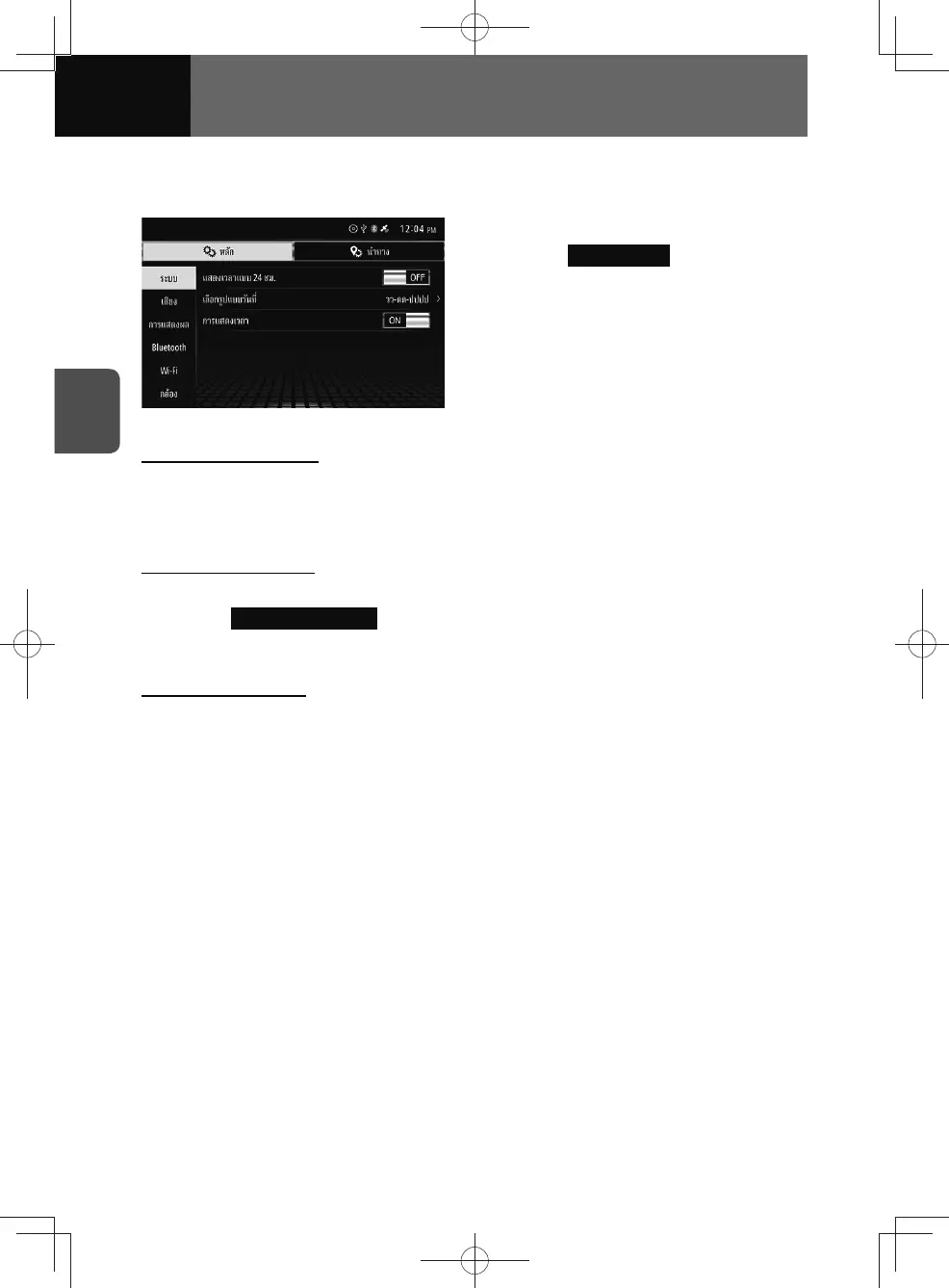
This allows you to change the settings of clock display.
1. On the System settings screen,
touch
Clock Setting .
• The clock settings screen will be
shown.
Clock format settings
This allows you to change the type of clock format.
1. Touch the toggle button in "Use 24-hour Format".
• Set "Use 24-hour Format" to "ON" to display time in 24-hour format.
Date display settings
This allows you to change the type of date display.
1. Touch Select Date Format .
2. Touch the date format you want from the list.
Clock display on/off
1. Touch the toggle button in "Clock Display".
• Touch "ON/OFF" to change the setting of clock display.











 To Next Page