4-14
NAVIGATION (Models with NAVI)
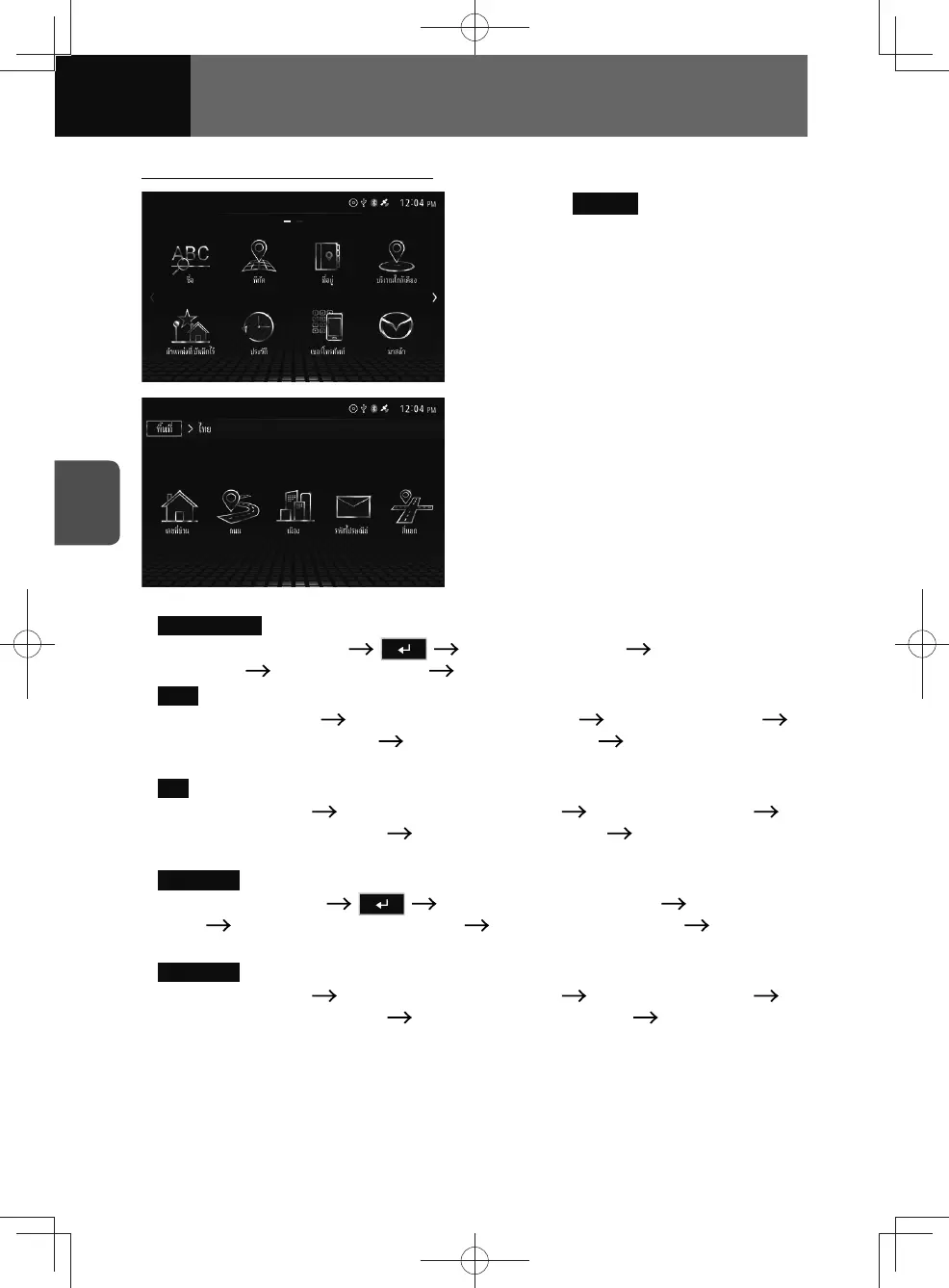
Searching a destination by address
1. Touch Address .
2. Select the desired category in
the screen and search for the
destination.
• House Number :
Enter the house number
Enter the road name Touch the desired
road name Enter the city name Touch the desired city name.
•
Road :
Enter the road name
Touch the desired road name Enter the city name
Touch the desired city name Enter the house number Touch the desired
house number.
•
City :
Enter the city name
Touch the desired city name Enter the road name
Touch the desired road name Enter the house number Touch the desired
house number.
•
Postal code :
Enter the postal code
Touch the desired city name Enter the road
name Touch the desired road name Enter the house number Touch the
desired house number.
•
Intersection :
Enter the city name
Touch the desired city name Enter the road name
Touch the desired road name Enter the intersection name Touch the desired
intersection name.
3. Display the location confirmation screen appears. (See page 4-23)











 To Next Page