5-30
AUDIO
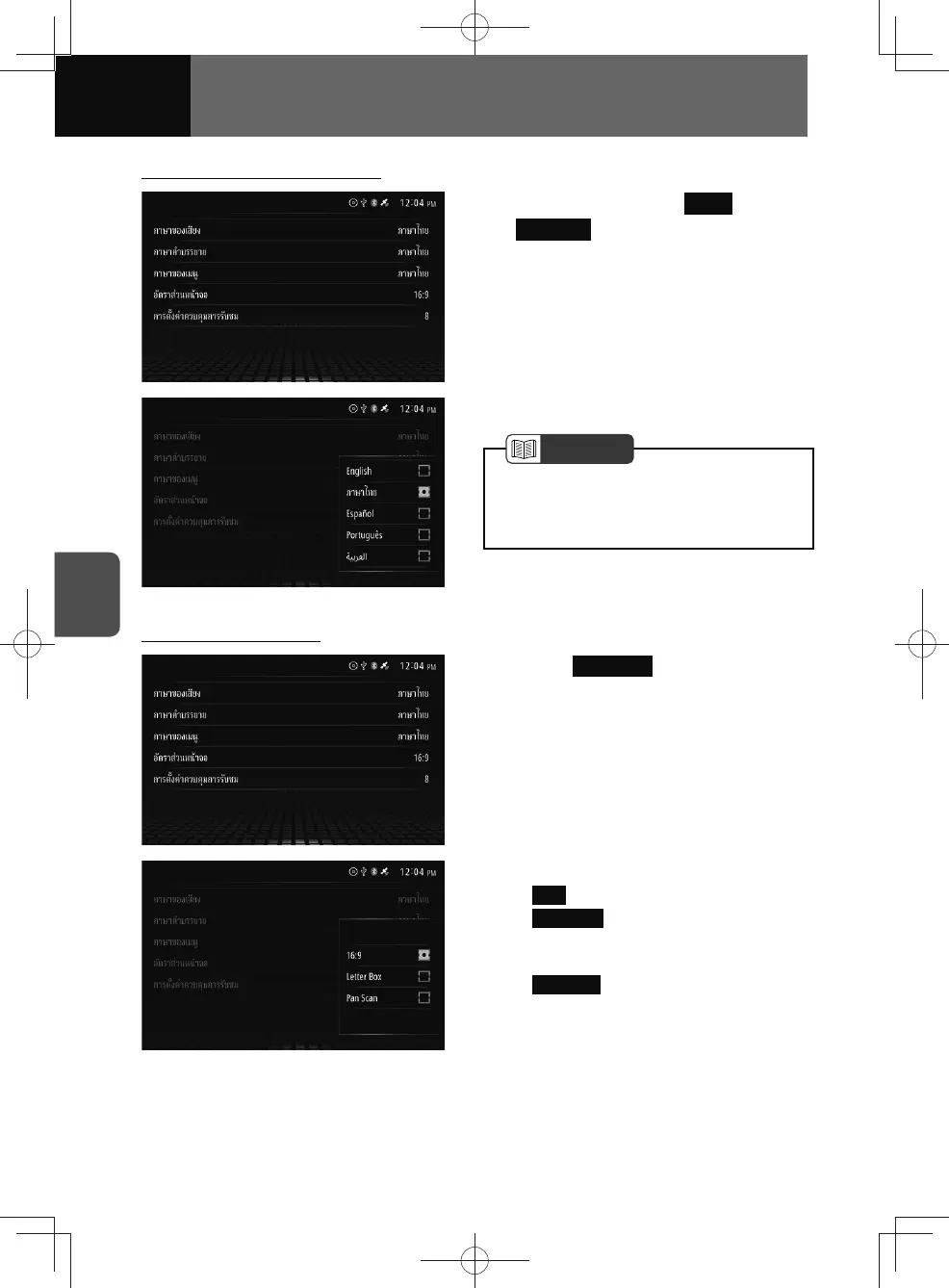
Selecting the menu language
1. Touch language for Menu
Language
.
2. Touch the desired language.
NOTE
• If the selected language is not included
on the disc, the video will be played
using a language specified on the disc.
Setting the TV Aspect
1. Touch TV Aspect .
2. Touch the desired screen output.
• 16:9 : Ordinary wide-screen image.
•
Letter Box : Video with black strips
are shown on the left and right
edges.
•
Pan Scan : Left and right edges of
the image are cut off.











 To Next Page