2-5
BEFORE USE
NOTE
• You can turn off the screen with the information screen. (See page 2-12)
• The touch panel may function incorrectly or fail to respond if operated with objects
other than fingers (nails, operation when wearing gloves, pens, etc.)
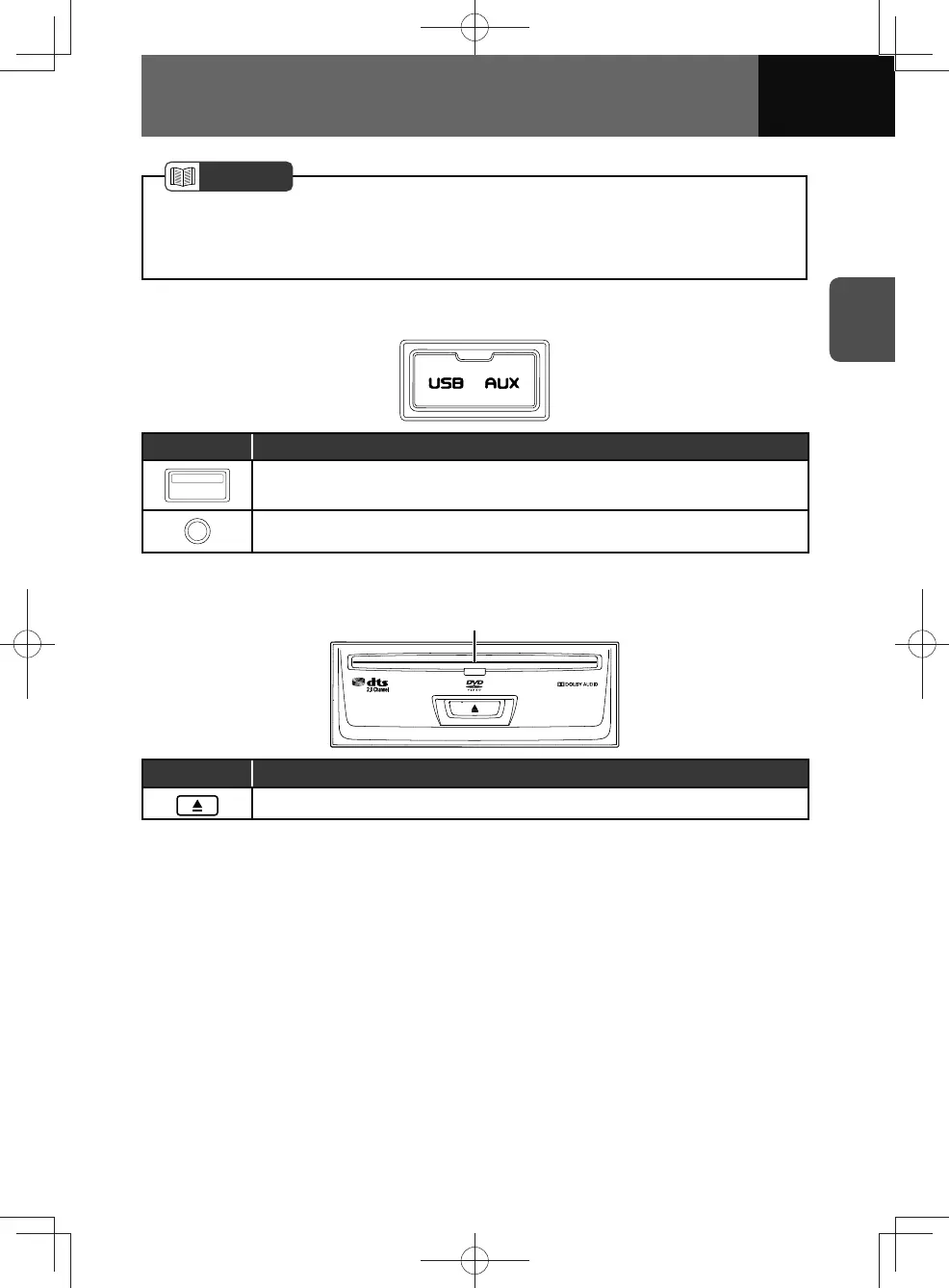
USB and AUX terminals
Parts Function
• USB connection terminal
• AUX (auxiliary) 3.5mm connection terminal
Disc player (If equipped)
Disc slot
Button Function
• Press to eject the disc.











 To Next Page