7-15
APPS
Using Miracast
Connecting an Android smartphone via Wi-Fi
1. On the settings screen, touch Wi-Fi .
2. On the Wi-Fi settings screen, touch Miracast .
3. On your Android smartphone, set Miracast application to on.
NOTE
• For the Miracast settings, see "Miracast on/off" on page 3-29.
• For information on how to use your Android smartphone, please refer to the user
manual for your Android smartphone.
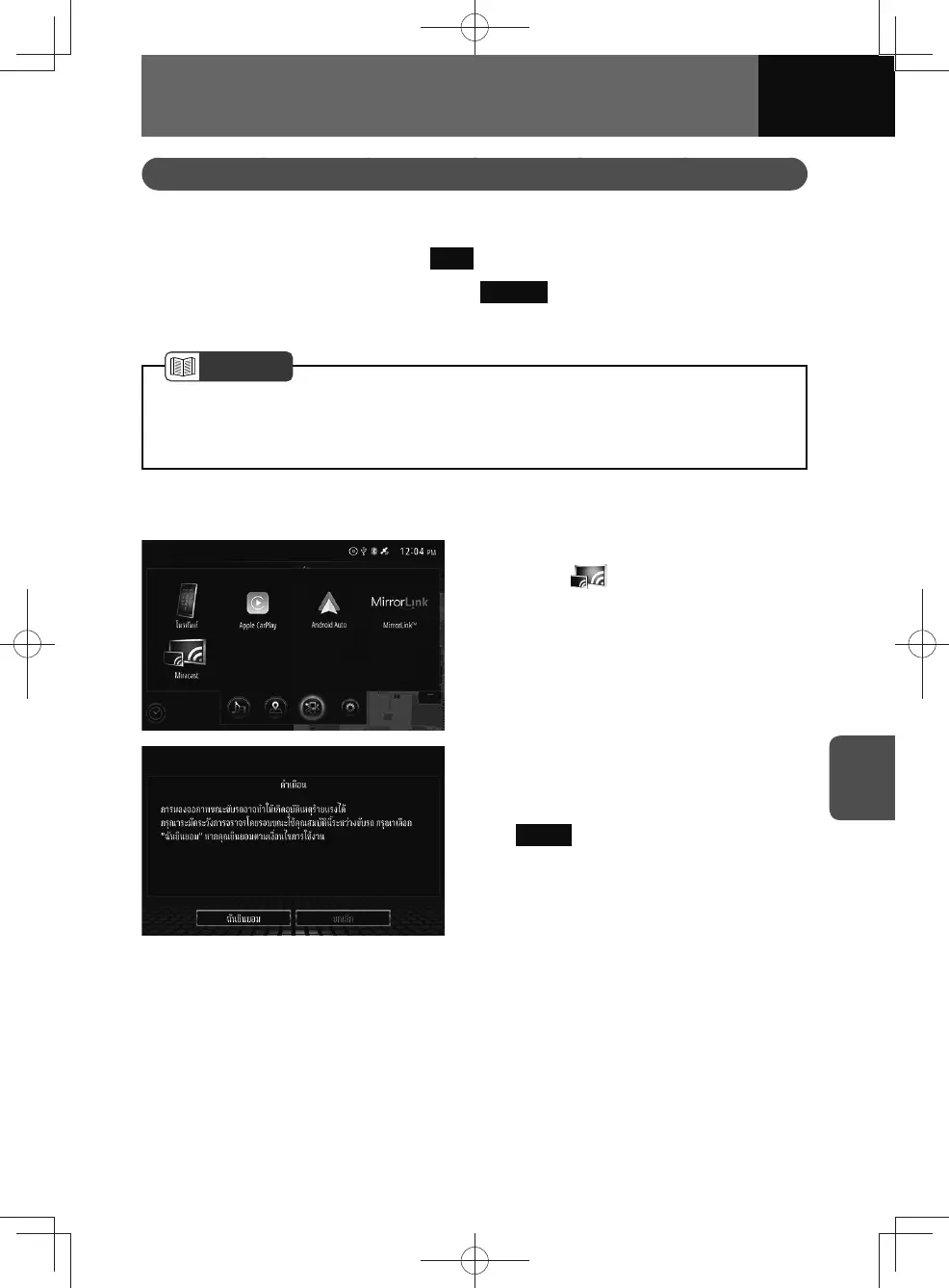
Miracast operation
1. On the connected menu screen,
touch .
2. The "CAUTION" screen is
displayed on the screen. Read
the caution carefully and touch
I agree .
3. The Miracast screen appears.











 To Next Page