4-25
NAVIGATION (Models with NAVI)
Editing Your Favourite Locations
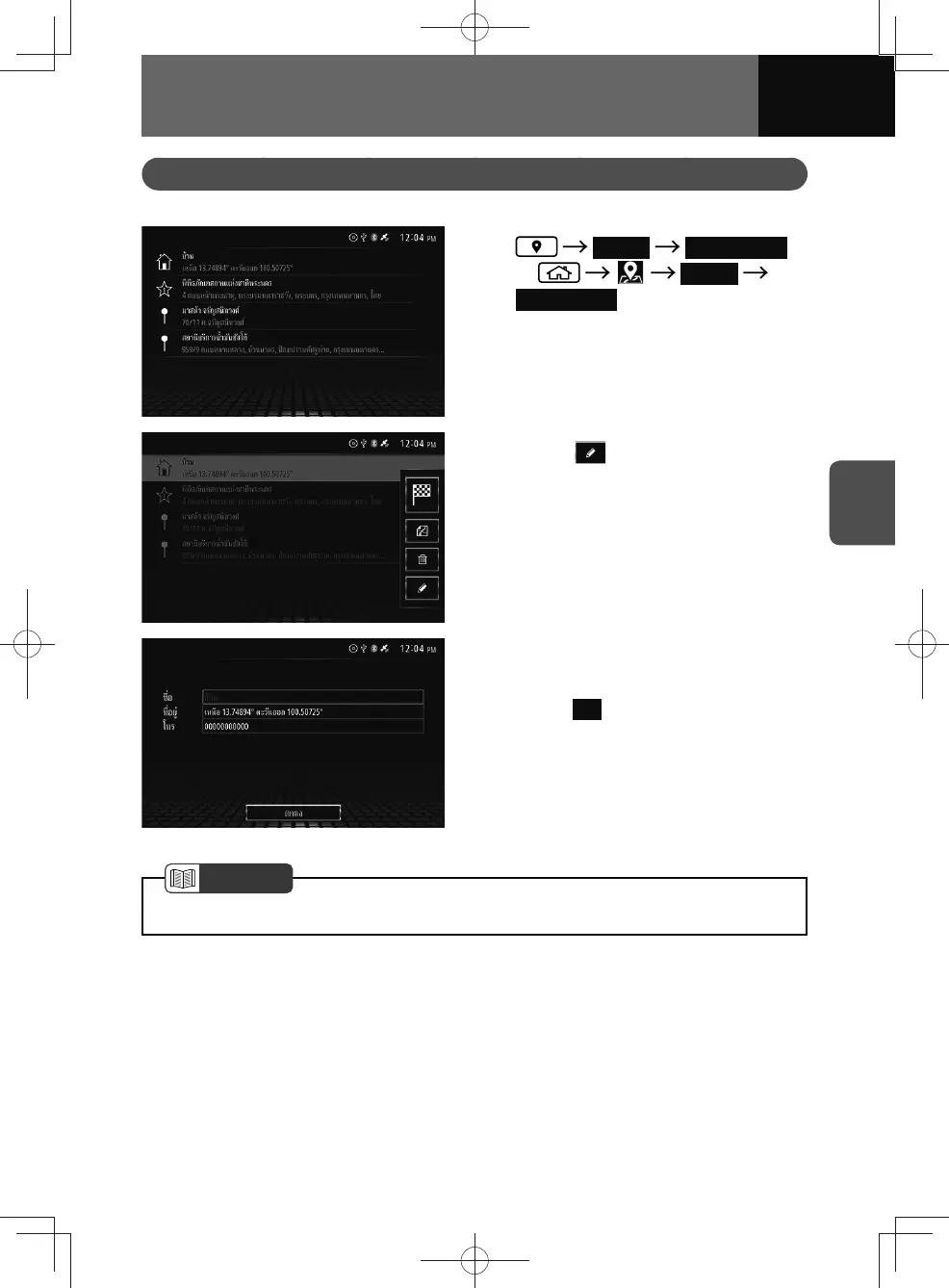
The name, address, and telephone number of saved places can be edited.
1. Search Saved Points
or Search
Saved Points
2. Touch the desired favourite.
3. Touch .
• The edit point screen appears.
4. Touch the desired enter field and
edits.
5. Touch OK .
NOTE
• Your favourite location can also be edited from the map screen. (See page 4-23)











 To Next Page