7-9
APPS
Connect to this unit from an iPhone
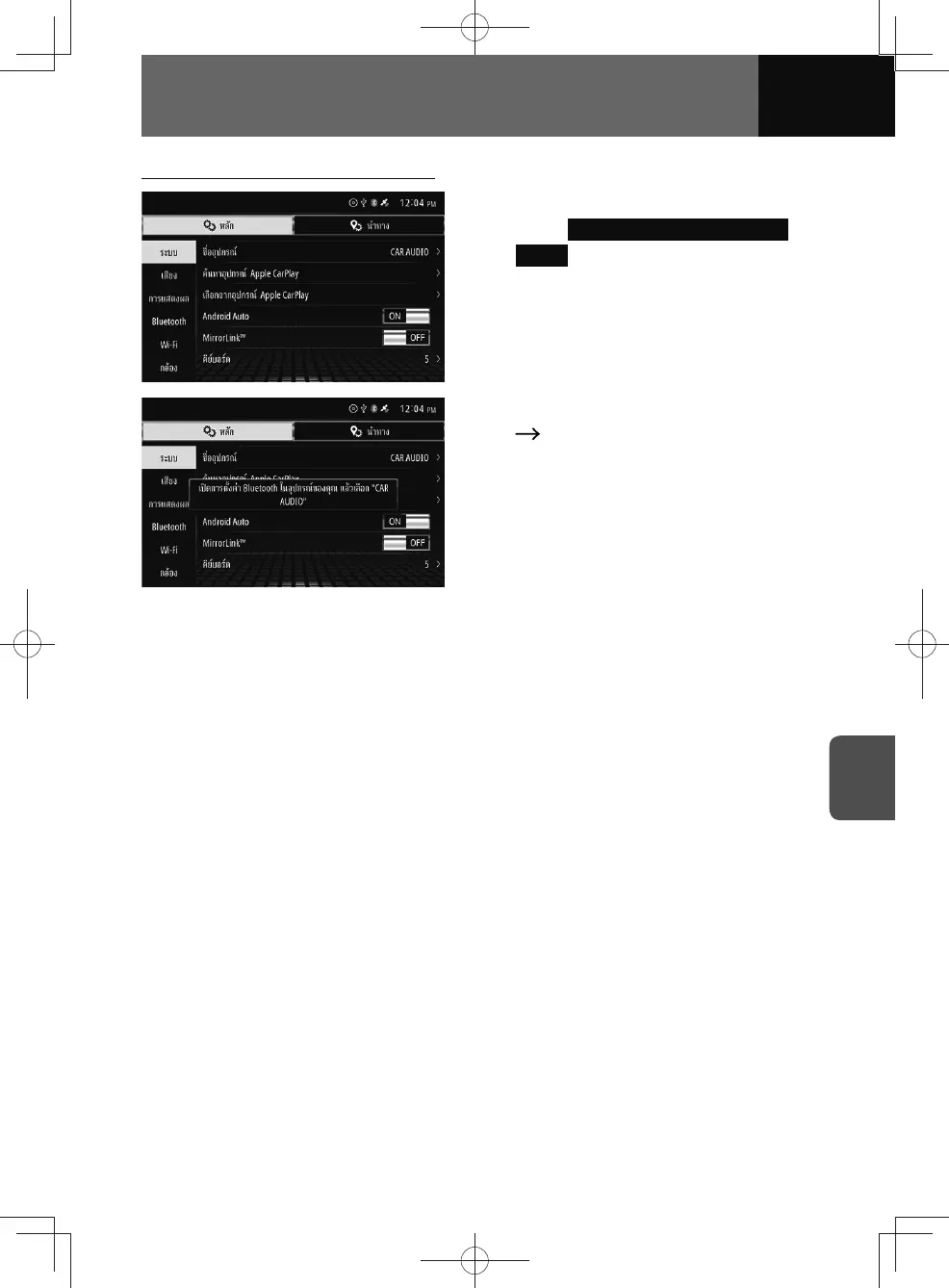
1. On the System settings screen,
touch Selecting from Apple CarPlay
Device
.
2. On your iPhone, go to "Settings"
"Bluetooth" and select "CAR
AUDIO".
3. The Apple CarPlay screen
appears.
• If another screen is displayed,
touch "Apple CarPlay" on the audio
menu or connected menu.











 To Next Page