2-14
BEFORE USE
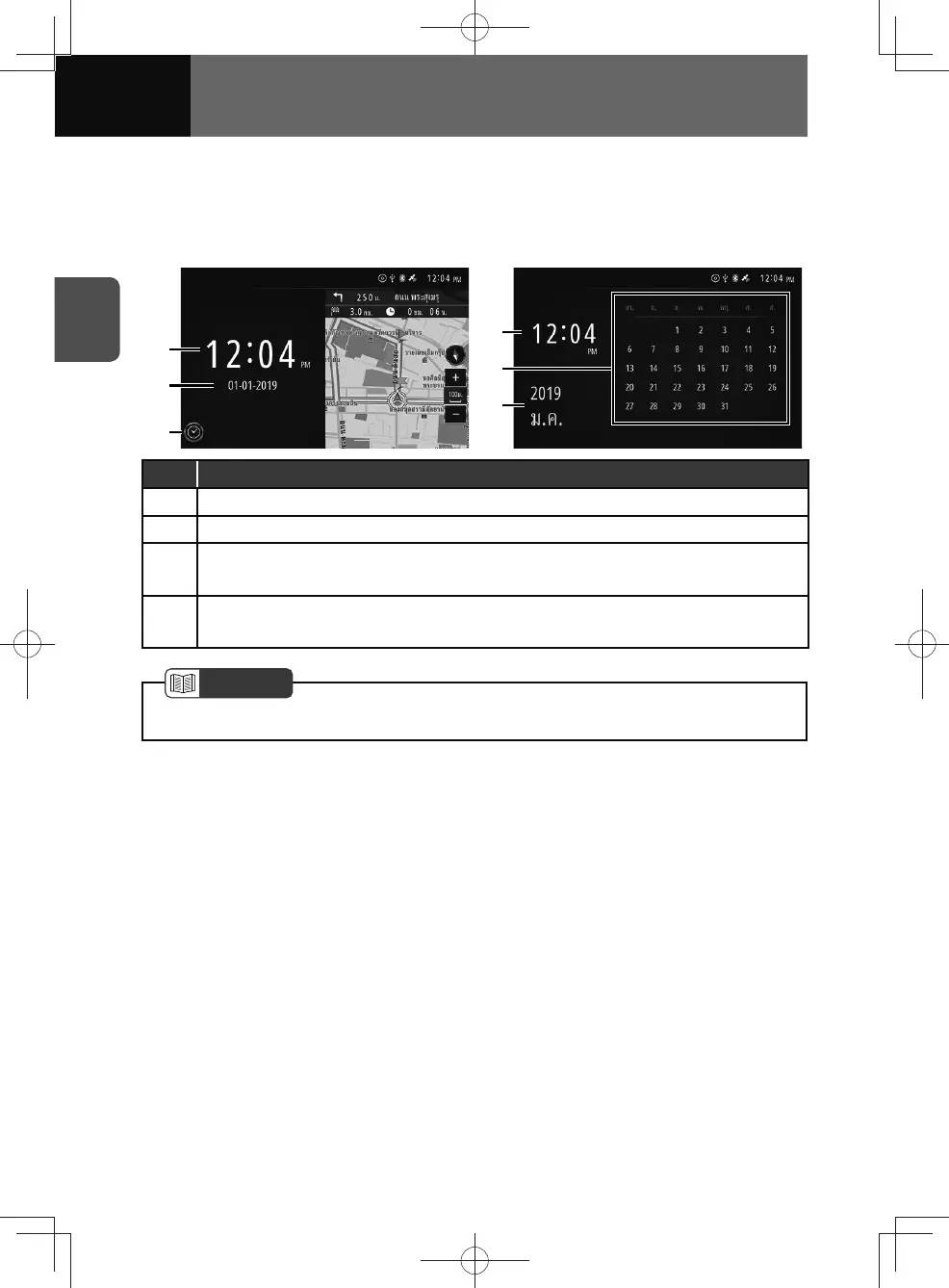
Clock/calendar widget
If you touch an area of the widget other than a touch screen button, the clock/calendar
widget appears in the full screen.
<Widget screen> <Full screen>
(2)
(1)
(3)
(4)
(1)
(2)
No. Function
(1) Time
(2) Date
(3)
Digital/analog clock
• Select digital or analogue clock mode.
(4)
Calendar
• Flick up or down to change the calendar month.
NOTE
• The time can be displayed in either 12-hour or 24-hour format. (See page 3-4)











 To Next Page