2-8
BEFORE USE
Using the Common Touch Screen Buttons
You can operate this unit by touching the marks and items displayed on the screen
directly with your fingers.
• To protect the LCD screen from damage, touch the touch screen buttons gently.
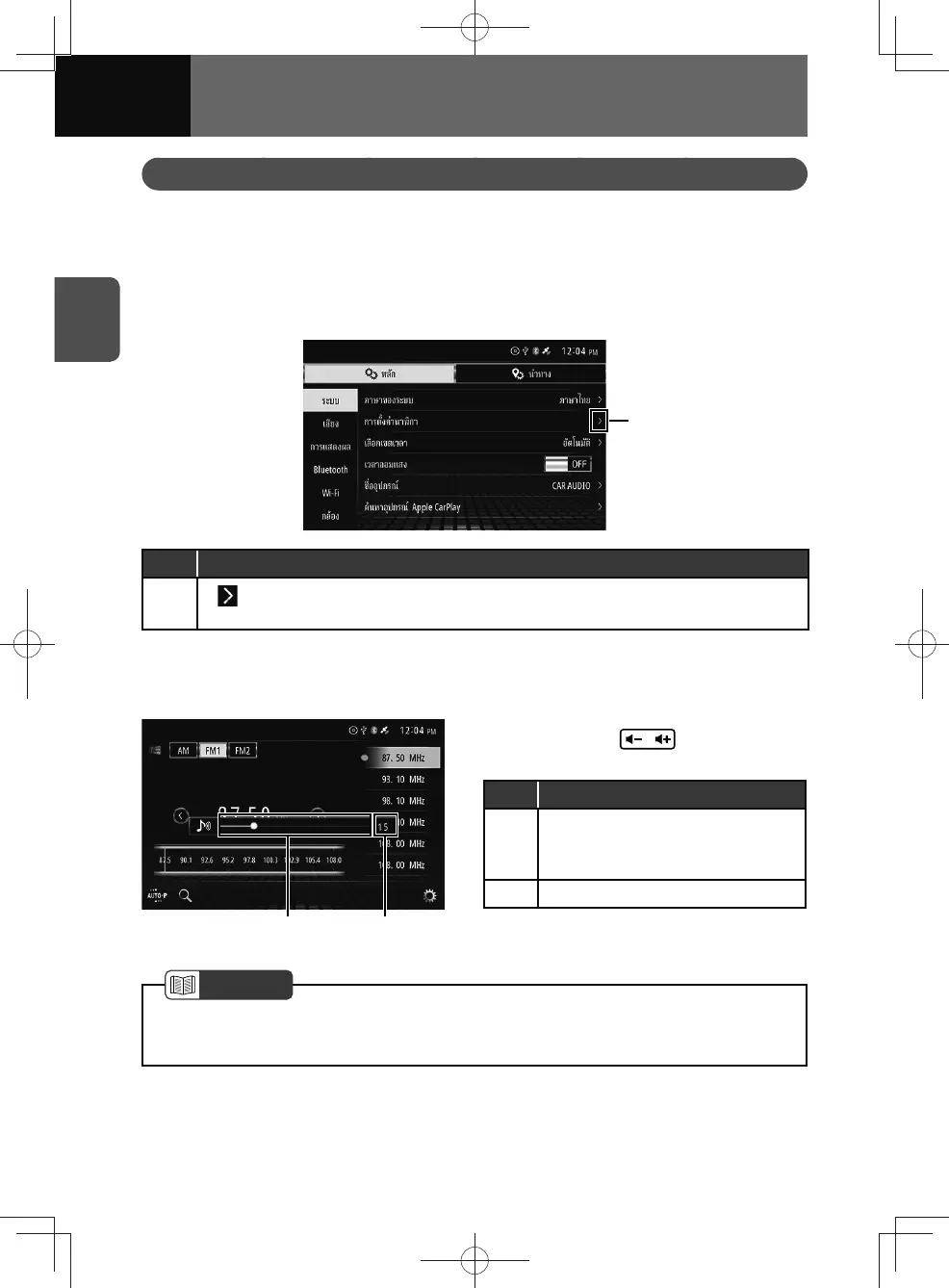
Operating list screens
You can scroll up or down the screen if hidden items are available.
(1)
No. Function
(1)
If
is displayed beside an item in a list, touch the item to open the details setting
screen.
Operating the volume bar
You can change the volume by touching the volume bar.
(2)(1)
1. Press VOL ( ) to display the
volume bar.
No. Function
(1)
V
olume bar
• Touch or drag the volume bar to
adjust the volume.
(2) Current volume
NOTE
• The volume bar disappears when no operation is performed for several seconds.
• The volume of sound, such as audio, cannot be adjusted during voice guidance.











 To Next Page