5-41
AUDIO
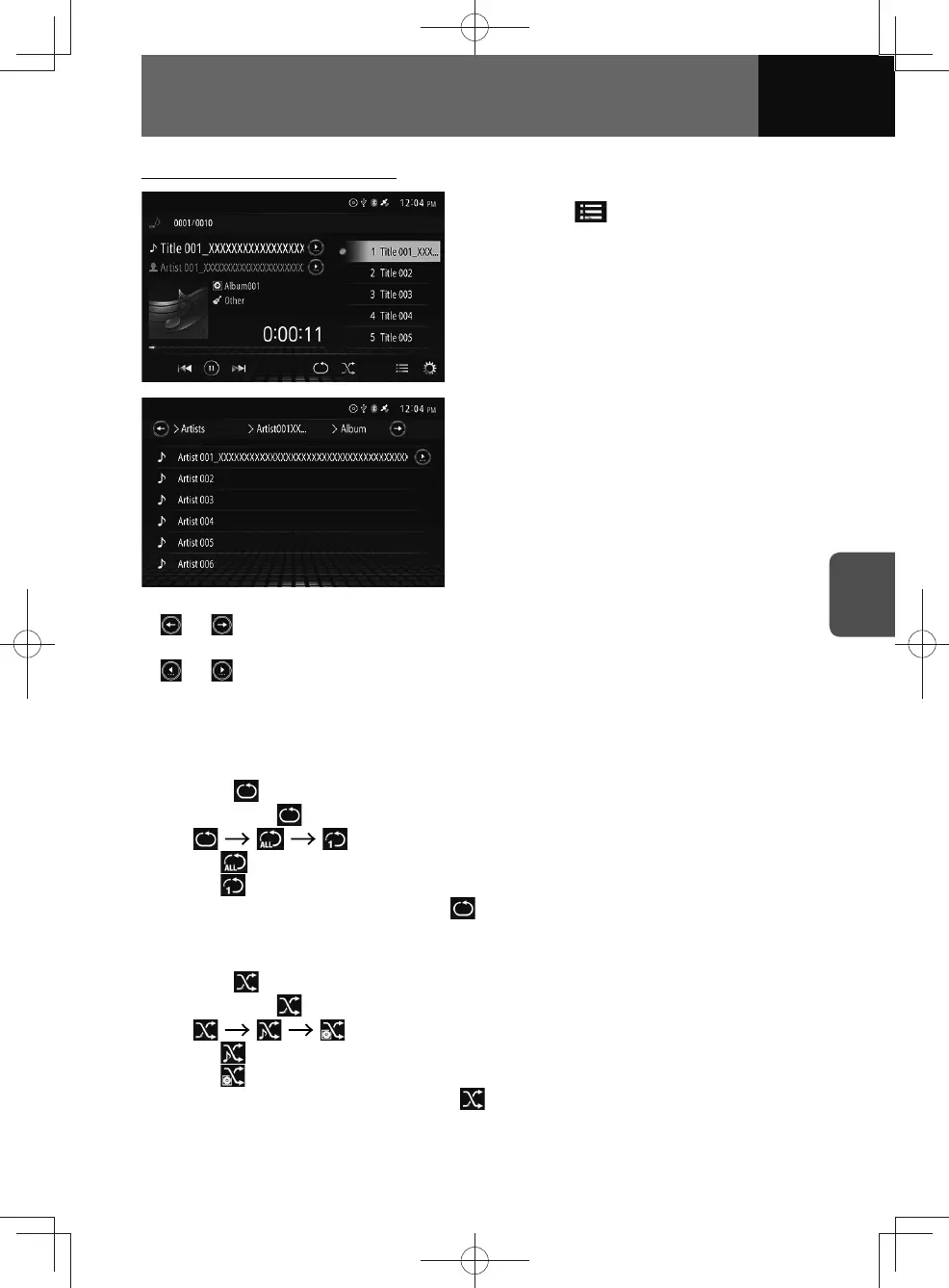
Selecting a file from the file list
1. Touch .
2. Select the desired file from the
categories in the list.
• The selected file will start to play.
•
or : Displayed if there are multiple folder layers. Touch to scroll through the
display.
•
or : Appear if the characters of the name on the list exceed the display limit.
Touch the buttons to scroll the display.
• Swipe the screen up or down: Scroll the list.
Repeat playback
1. Touch .
• Whenever is touched, the mode is switched in the following order.
...
–
: Repeat all files on the iPod.
–
: Repeat the current file.
• To cancel repeat playback, touch
until appears.
Random playback
1. Touch .
• Whenever is touched, the mode is switched in the following order.
...
–
: Plays files from a selected album in a random order.
–
: Plays a file from a randomly selected album.
• To cancel random playback, touch
until appears.











 To Next Page