3-22
SETTINGS
<Bluetooth device without SSP (Secure Simple Pairing)>
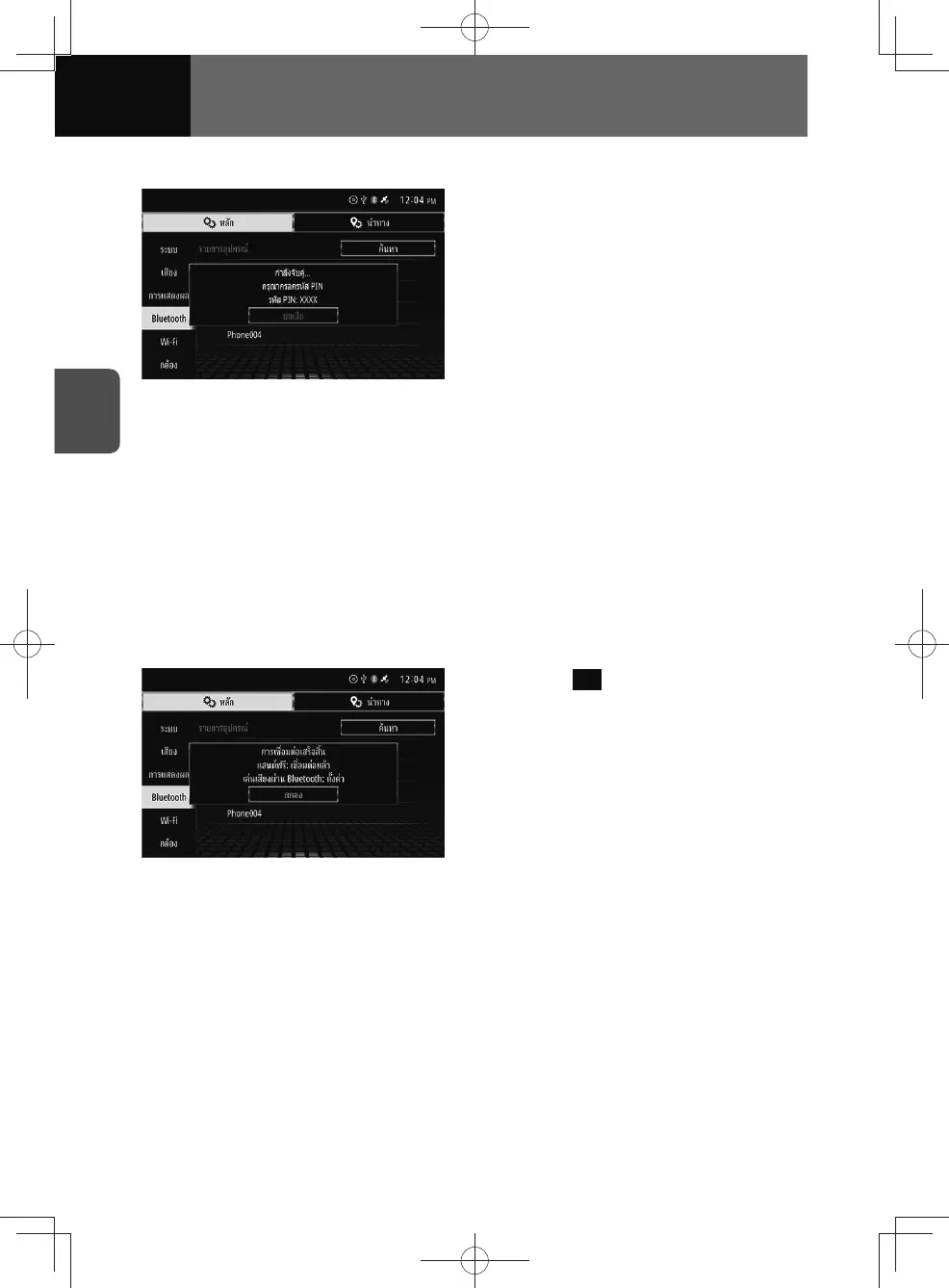
1. "Pairing... Please input the PIN
code. PIN code is: XXXX".
• The PIN code "XXXX" may differ by
model.
2. Enter the PIN code shown on
the unit on your mobile phone or
portable device.
3. After PIN code input, a screen
displaying "Pairing succeeded.
OOO works with Apple CarPlay.
Would you like to enable
CarPlay?" will show if the device
is Apple CarPlay compatible.
Touch "Yes" to display the Apple
CarPlay screen.
If you wish to continue pairing,
touch "No".
• "OOO" is your Apple device name.
4. Touch OK .











 To Next Page