4-11
NAVIGATION (Models with NAVI)
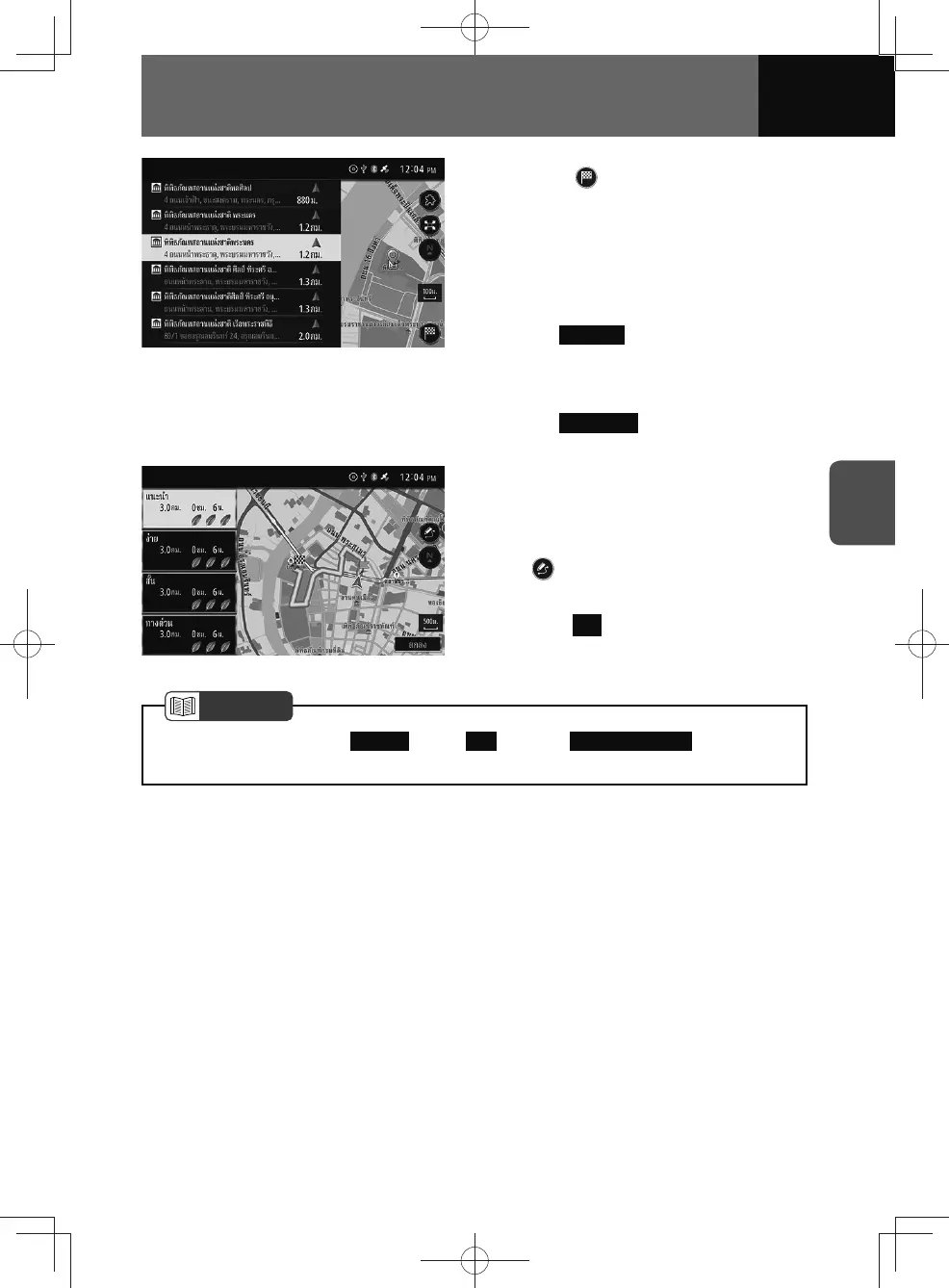
3. Touch .
• The search result screen differs
depending on the search method.
• If the route is already set, a
message appears asking whether
to set the searched location as the
destination or a waypoint.
–
Waypoint : The route for stopping
by the searched location on the
way to the same destination is
searched.
–
Destination : The route to a new
destination is searched.
4. Select a route from the route
planning types.
• If necessary, you can edit the route
before starting navigation. Touch
to display the route edit screen.
(See page 4-29)
5. Touch OK .
NOTE
• When searching by "(3) Address ", "(10) City " or "(12) Combined Search ", certain city
names will be excluded, and the search will be carried out by suburb instead.











 To Next Page