1-2
HOW TO USE THIS MANUAL
How to Use This Manual
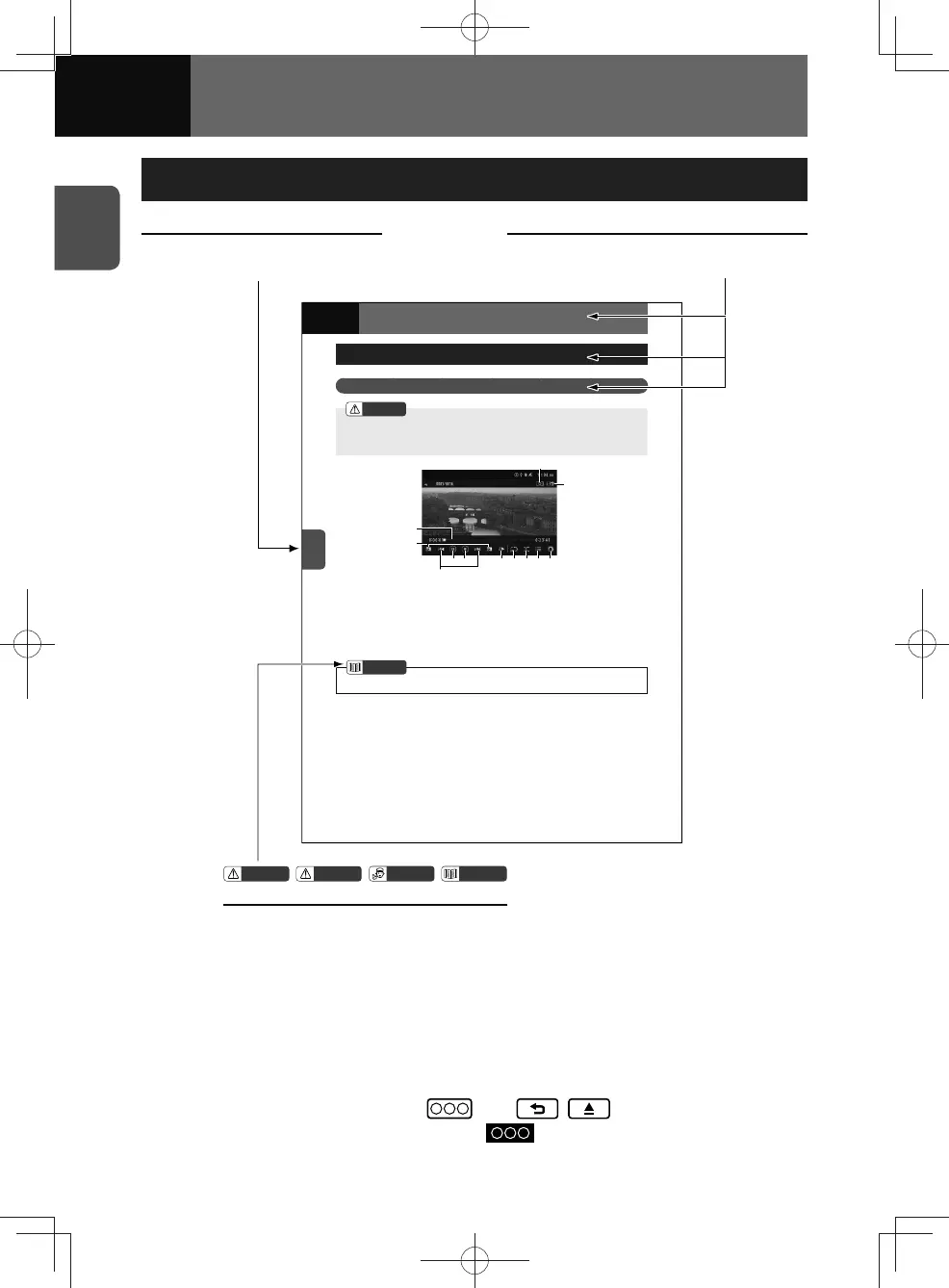
Chapter index tab Chapter/section titles
Use this for quick access to
your desired chapter.
These titles are useful for getting the
gist of the content at a glance.
AUDIO
USB Video File Player
Using the USB Video File Player
WARNING
)RU\RXUVDIHW\\RXFDQQRWYLHZDYLGHRZKLOHWKHYHKLFOHLVLQPRWLRQ
)RUZDWFKLQJWKHYLGHRILOHEHVXUHWRVWRS\RXUYHKLFOHLQDVDIHW\ORFDWLRQDQG
DSSO\WKHSDUNLQJEUDNH
(2)
(10)
(11)
(5) (6) (9)(4) (7)
(12)
(8)
(3)
(1)
3URJUHVVEDU
)ROGHUVHOHFWLRQEXWWRQV
)LOHXSGRZQDQGIDVWIRUZDUGIDVW
UHYHUVHEXWWRQV
3OD\3DXVHEXWWRQ
6WRSEXWWRQ
6SHHGFRQWUROEXWWRQ
5HSHDWEXWWRQ
5DQGRPEXWWRQ
/LVWEXWWRQ
$XGLRVHWWLQJVEXWWRQ
0XVLF9LGHRVHOHFWEXWWRQ
:LGH0RGHEXWWRQ
NOTE
6RPHIXQFWLRQVPD\QRWEHDYDLODEOHZKHQWKHYHKLFOHLVLQPRWLRQ
ADVICE
WARNING
NOTE
CAUTION
Symbols
See the preceding page for the meanings of these symbols.
• All values in this manual are indicated primarily according to the International
System of Units (or in SI units) with the conventional metric values and American
units indicated in parentheses.
• Note: This page is shown only as an example. It is not intended to give you
information on your particular audio.
• In this document, the unit is generally described with reference to the screens that
appear when the optional devices are connected.
• Panel button name is displayed as
(e.g. , ).
• Touch screen button names are shown as
.











 To Next Page