Integritest Exacta Filter Integrity Test Instrument
Operating and Maintenance Manual Filter Editor 101
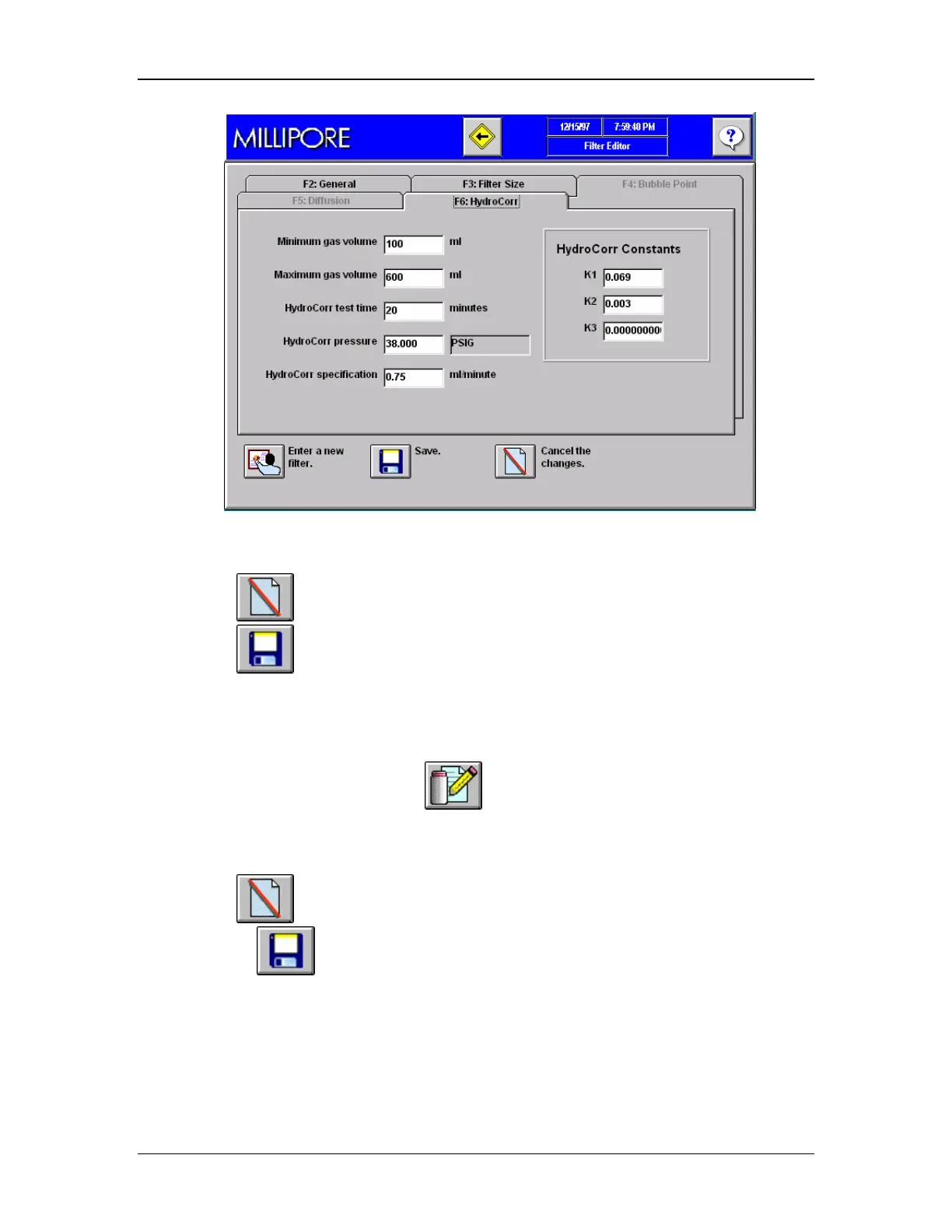
Figure 45: Filter HydroCorr Specifications
14. Click
to cancel the changes.
15. Click
to save the changes.
16. The revision information is automatically updated when a test is saved.
Modifying an Existing Filter Specification
1. Go to the Main Menu and click
to go to the Filter Editor Screen (Figure 41).
Choose Tab F2, General (Figure 41).
2. Use the pull-down menu to select an existing Filter Catalogue Number.
3. Modify existing Filter specifications by changing any of the editable entries.
4. Click
to cancel the changes.
5. Or click
to save the changes.
6. The revision information is automatically updated when a test is saved.



 To Next Page