Integritest Exacta Filter Integrity Test Instrument
Operating and Maintenance Manual Data Management 161
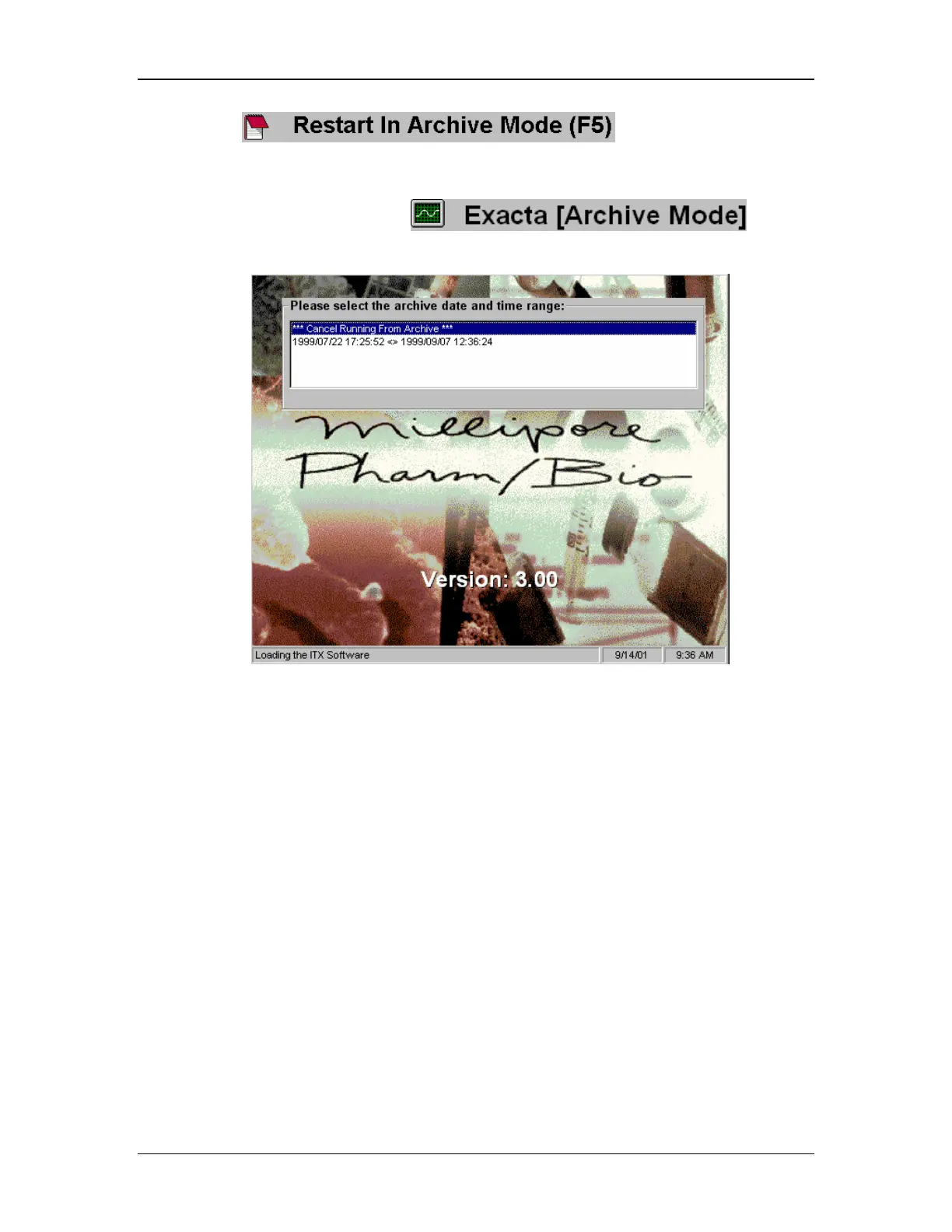
2. Select . This utility starts the
instrument in Archive Mode.
3. Once in Archive Mode, select
. The
Archive Selection Menu as shown in Figure 63 will come into view.
Figure 63: Archive Selection Menu
4. You may now double-click to select the archive of your choice or exit by double-
clicking on the ***Cancel Running from Archive*** selection.
5. After you have selected an archive, you will be asked to confirm the selection as shown
in Figure 64.



 To Next Page