Millipore System Documentation Set
166 Operating and Maintenance Manual Publication XITXSP121 P Rev.A
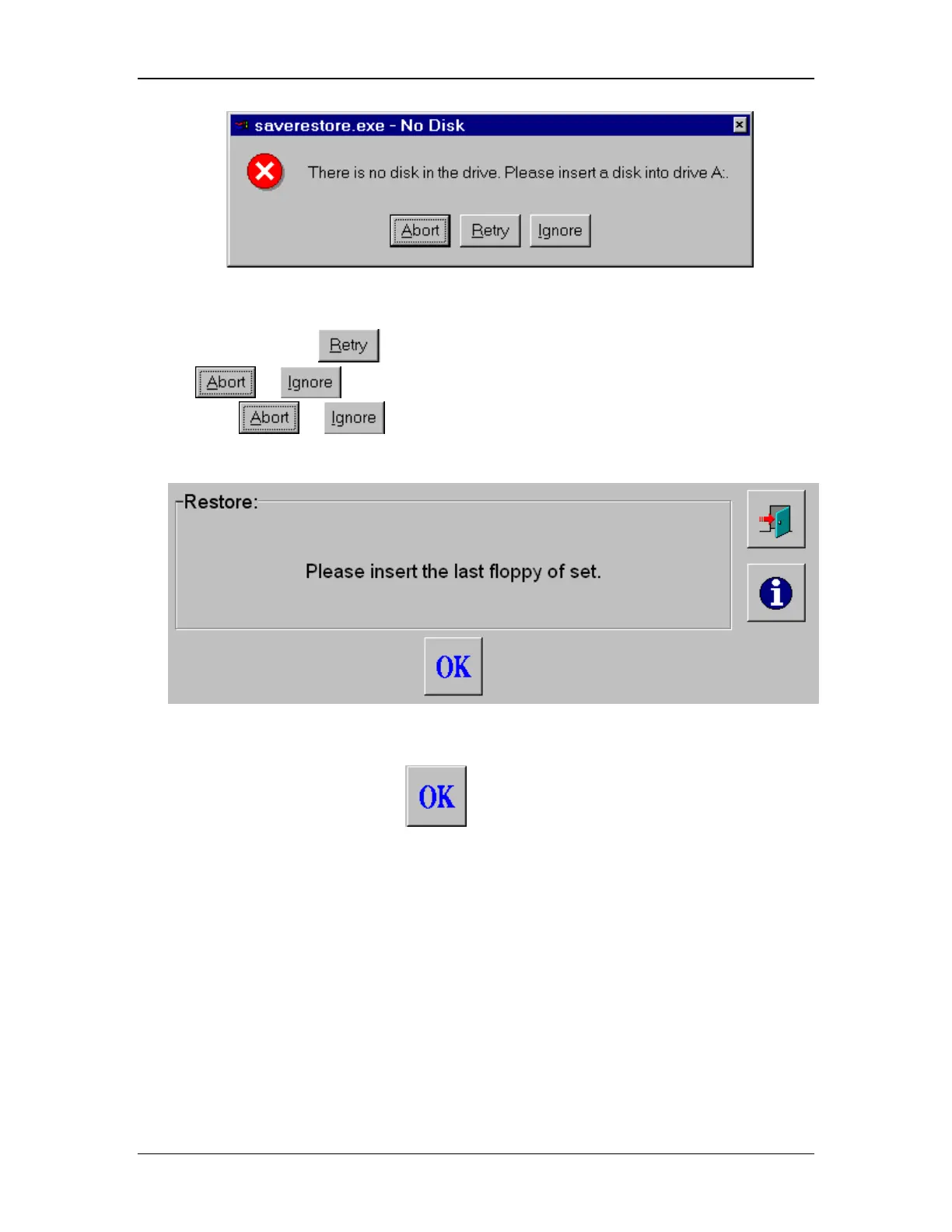
Figure 66: No Disk Warning
Insert the disk and select
and the window as shown in Figure 68 will appear, or
choose
or .
If you choose
or , the system will prompt you to insert the last disk of a set as
in Figure 67.
Figure 67: Restoring From a Set of Floppy Disks
1. Insert the correct disk and hit
, and the window as shown in Figure 68 will
appear.



 To Next Page