Millipore System Documentation Set
64 Operating and Maintenance Manual Publication XITXSP121 P Rev.A
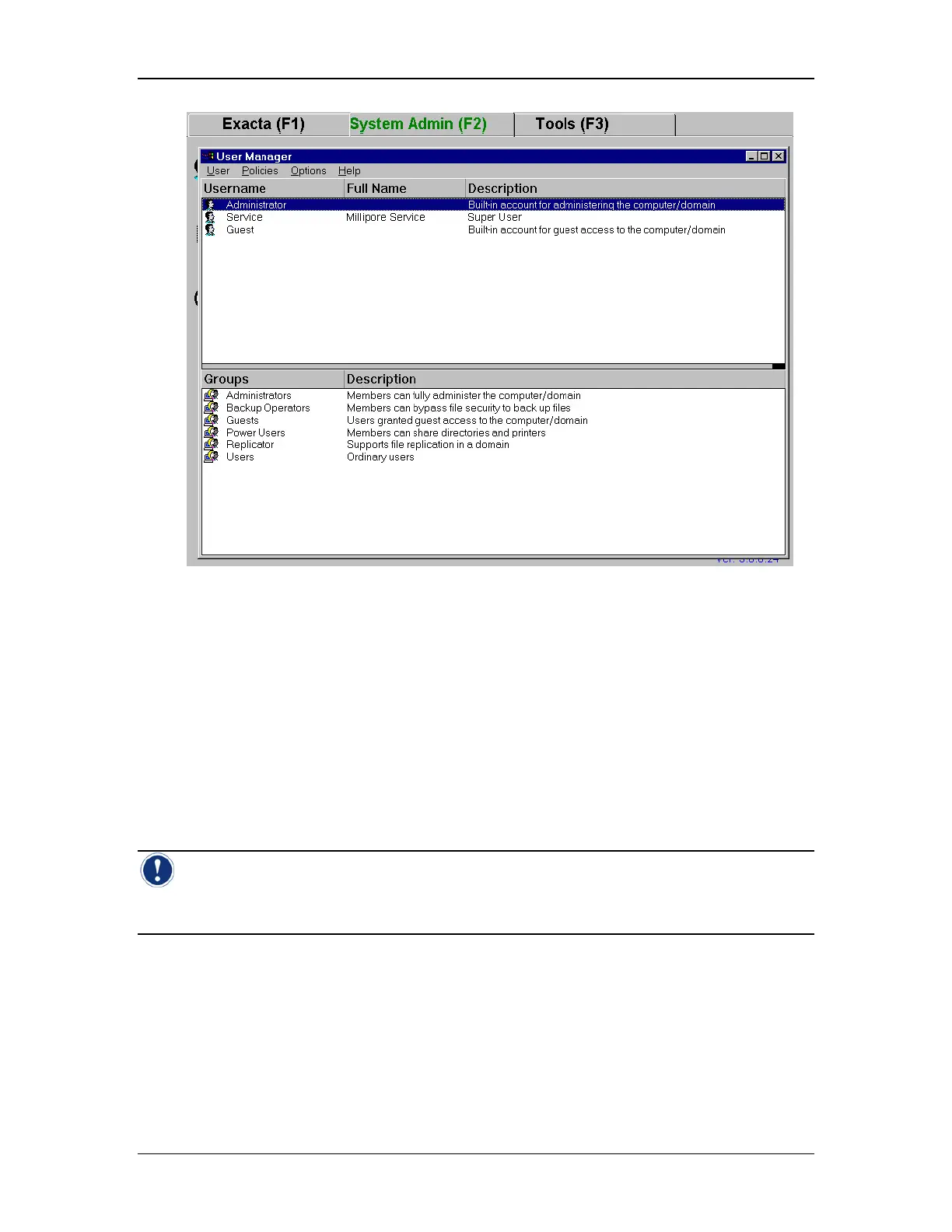
Figure 27: User Manager window
Overview of the User Manager
The User Manager is pre-configured with built in accounts for the administrator and for six
user levels. These user levels are preconfigured in NT, but are not applicable to the
Exacta Instrument. All users of the Exacta Instrument must be configured in the NT
Administrators group. The Manager allows for the adding and removal of local user accounts,
the adding and removal of users from groups, and working with passwords. The NT User
administrator can set account policies from this window such as password expiration,
password minimum length, password uniqueness, and lockouts of adjustable duration for a
preset amount of bad logon attempts.
Note: All users of the Exacta Instrument MUST be configured in the Administrators group!
This does NOT mean that they are NT User administrators. These users will NOT have access
to Windows NT or its functions. As such, this does not violate 21 CFR Part 11requirements.



 To Next Page