Millipore System Documentation Set
56 Operating and Maintenance Manual Publication XITXSP121 P Rev.A
INSTRUMENT SHUTDOWN
To maintain the integrity of the software, it is important that the software be shut down before
the instrument is turned off. This is a Windows NT requirement that must be adhered to.
Warning: Failure to follow this procedure may result in irretrievable loss of
data and/or damage to the instrument. Please shut down the instrument using
the following procedure.
Procedure
1. Go to the Log On screen or the Main Menu (the software can be shut down from
either screen).
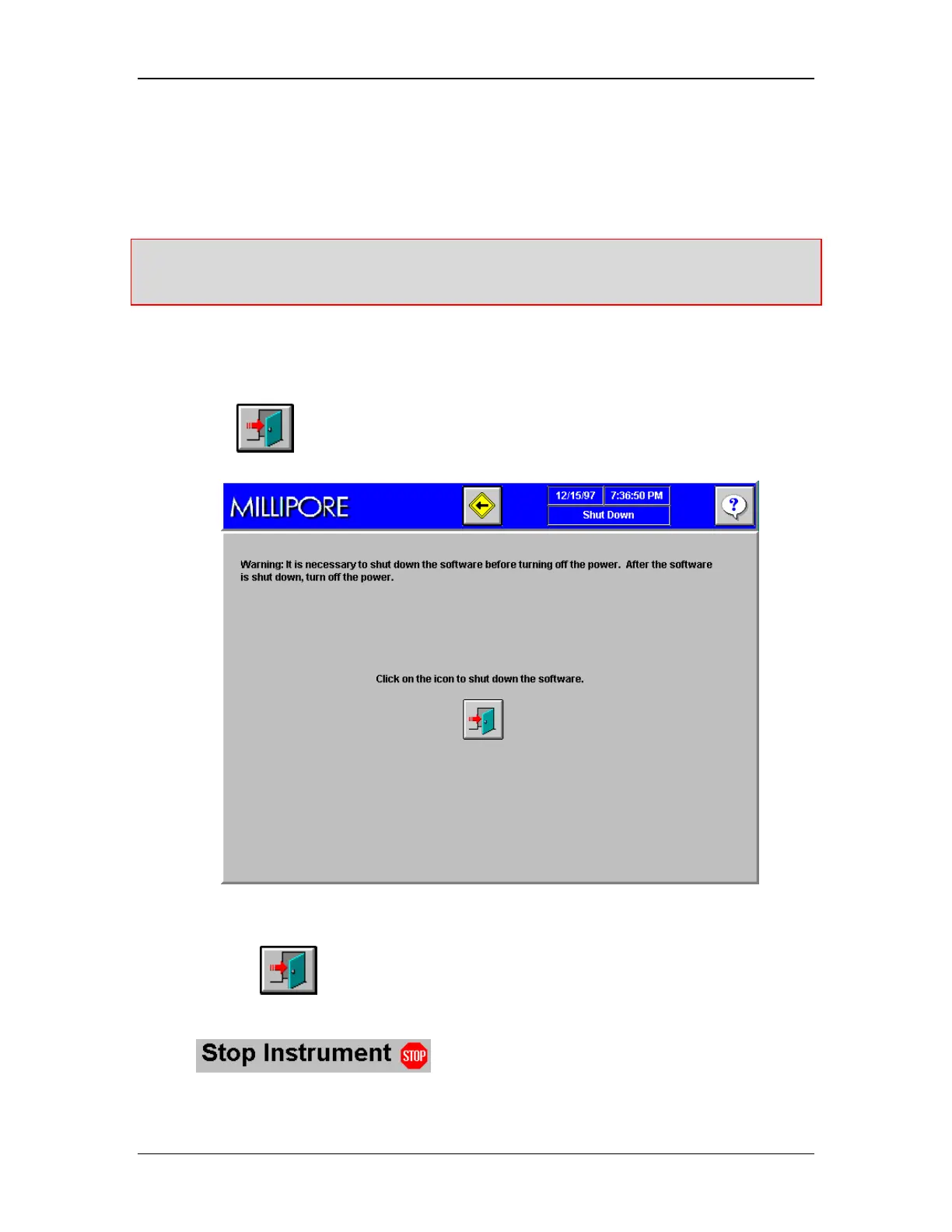
2. Click
to access the shut down screen (Figure 24).
Figure 24: Shut Down Screen
3. Click on
to shut down the software. After this icon is clicked, the instrument
will instruct you to wait.
4. The System Startup screen (Figure 22) will appear. From there, the
icon is used to shut down the system.



 To Next Page