Integritest Exacta Filter Integrity Test Instrument
Operating and Maintenance Manual Managing User Access 75
INTRODUCTION
The user operations screen allows the system administrator to set user privileges and access
levels for the instrument. Windows NT controls system security, and therefore, the usernames
to which the privileges are assigned must be configured in the User Manager before they can
be assigned privileges. See the section titled Setting Up User Accounts on page 63 for more
information on this subject.
Note: Users that are configured in Windows NT, but are NOT assigned privileges in the
User Operations screens will default to Operator level access. Any personnel that will require
more than Operator level access MUST be assigned an access level as detailed in this section.
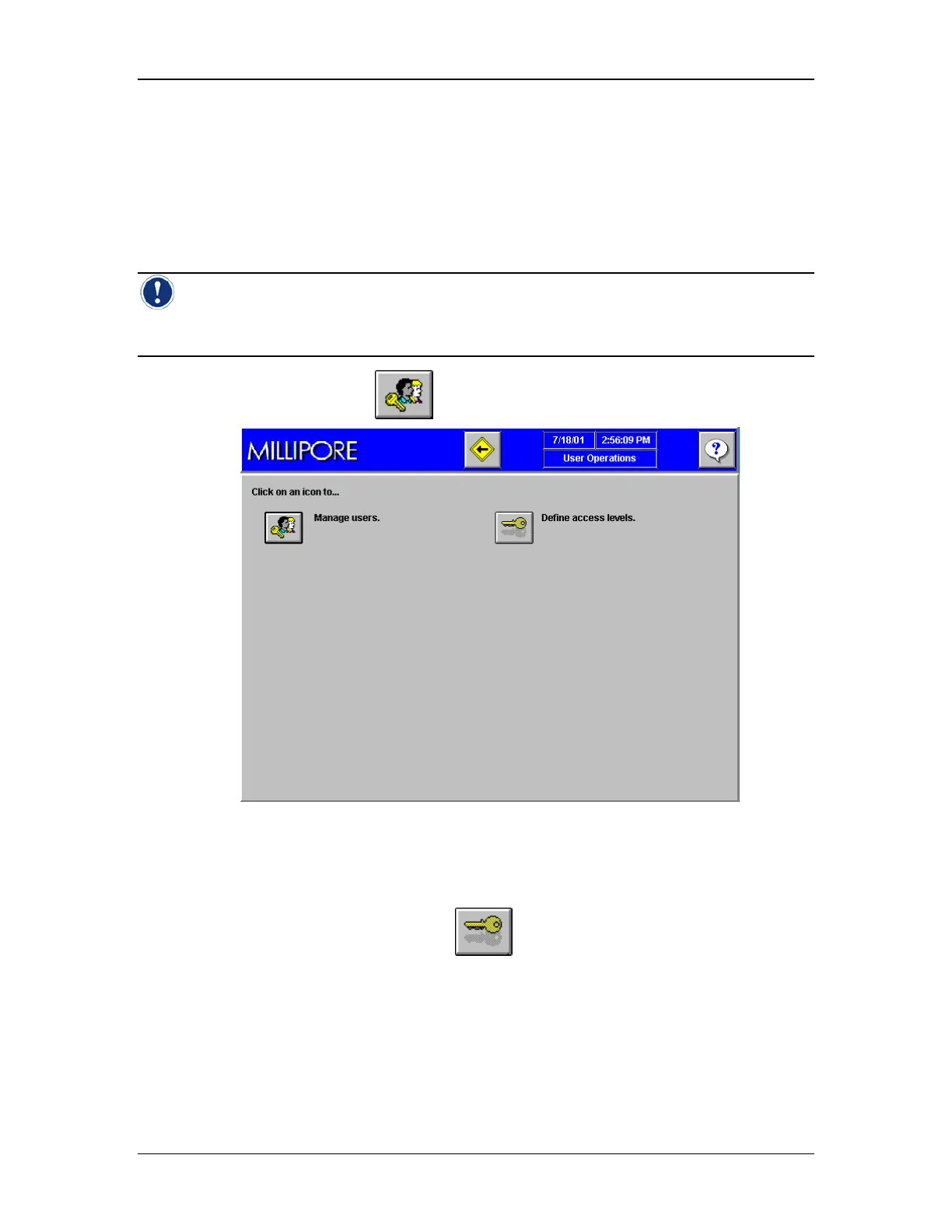
On the Main Menu Screen, click to go to the User Access Screen (Figure 31).
Figure 31: User Operations Screen
Modify User Categories
Go to the User Operations screen and click
to move to the User Access Levels screen
(Figure 32).



 To Next Page