Integritest Exacta Filter Integrity Test Instrument
Operating and Maintenance Manual First Log On 37
INTRODUCTION
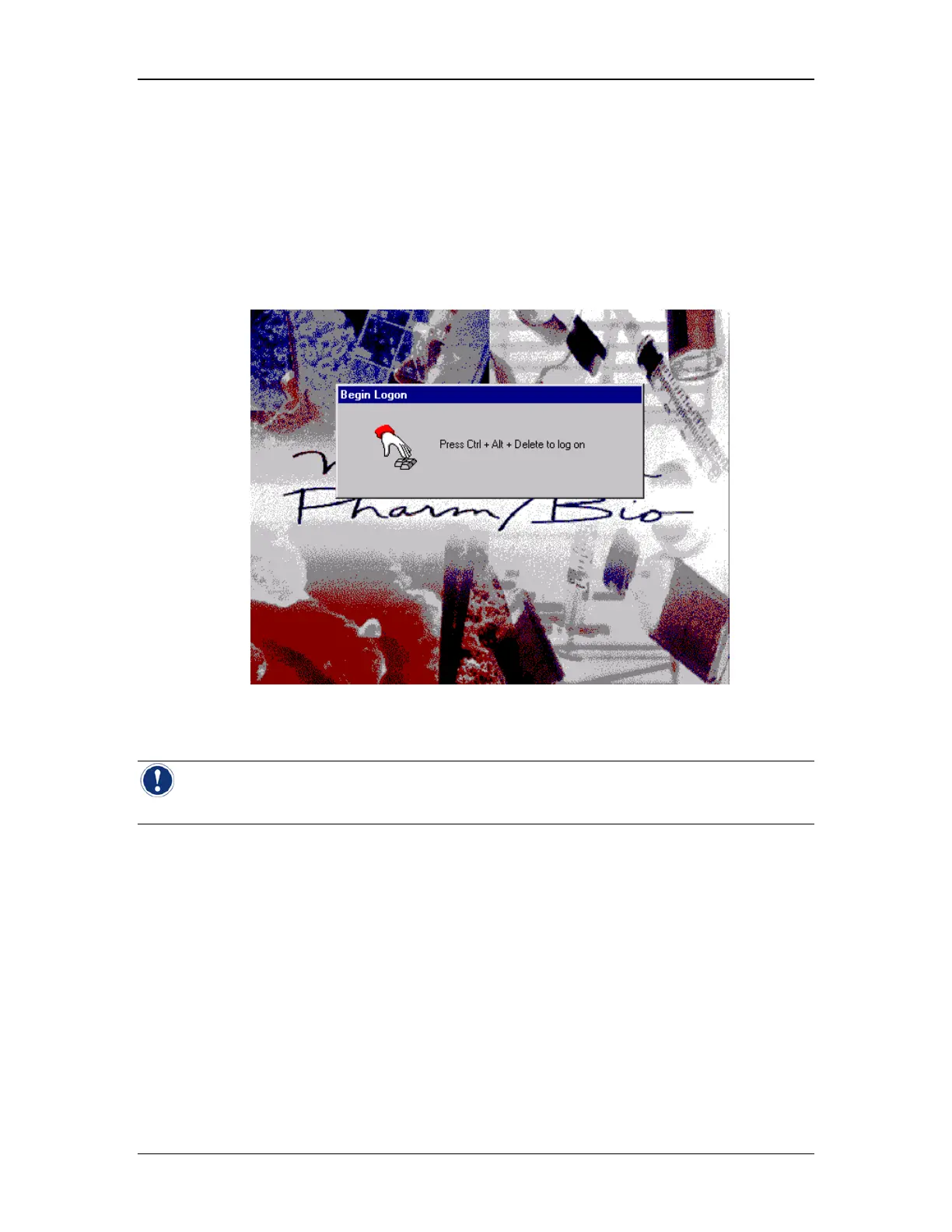
When the instrument is first powered up, the computer boots up, and the system will prompt
you to push Ctrl+Alt+Del in order to log in. The Windows NT Logon screen will appear. The
user name “Administrator” is already filled in, and the temporary password “Administrator” will
allow you initial access to the system. This password should be changed as soon as
possible, and the user names and passwords for any personnel who may need access to the
system can be configured as well. See the section titled Setting Up User Accounts on page 63
for more information. Once the administrator has logged on, the Control Menu screen will
appear (see Figure 10).
Figure 9:Begin Logon Prompt
Note: For standard logon (non-administrator) information, see the section titled Starting
the Instrument on page 53.



 To Next Page