Integritest Exacta Filter Integrity Test Instrument
Operating and Maintenance Manual Starting/Stopping the Instrument 53
STARTING THE INSTRUMENT
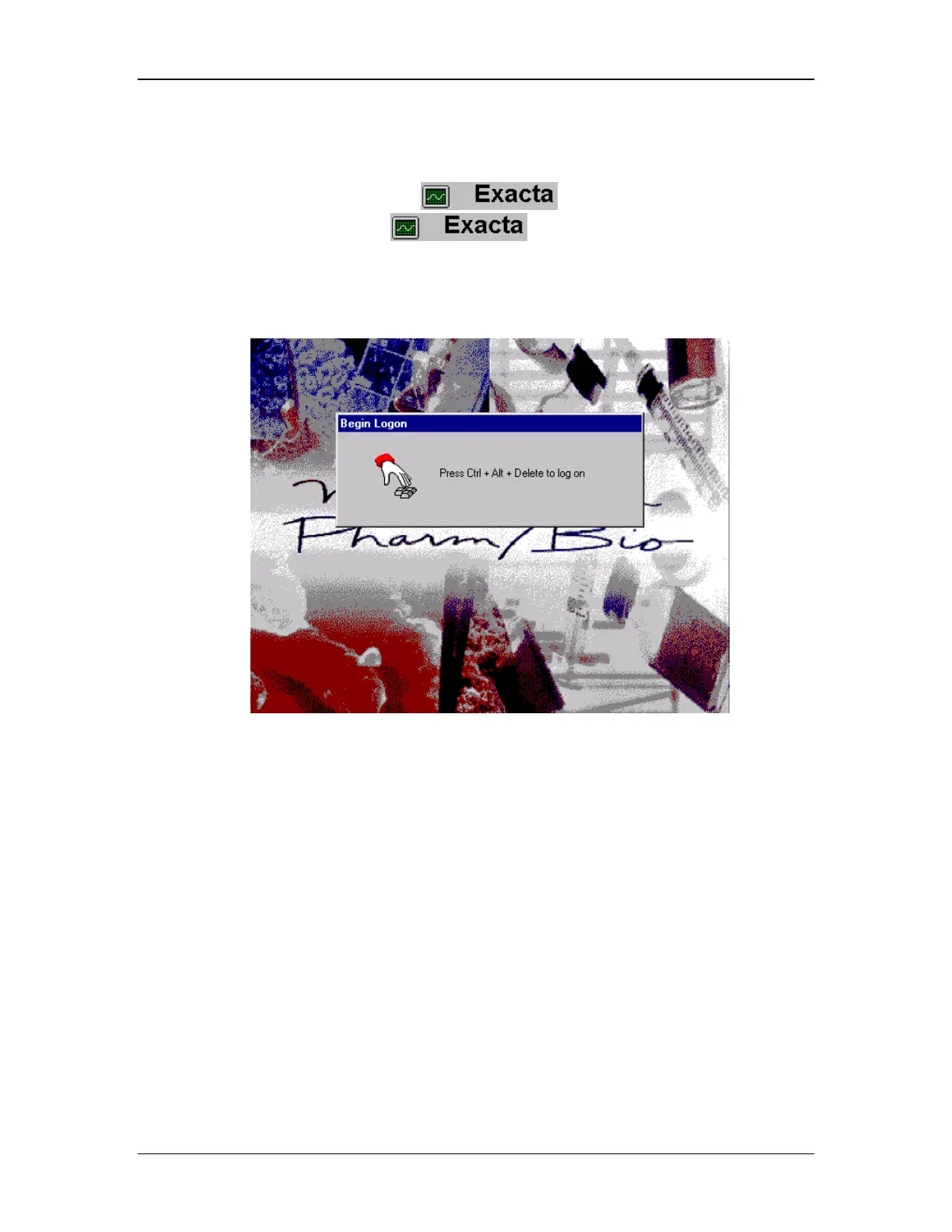
The Windows NT Logon screen (see Figure 21) will appear automatically after the instrument
powers up. For most users, the System Startup Screen as shown in Figure 22 will appear after
logging into Windows NT. Click on the
icon to bring up the Exacta Login
Screen as shown in Figure 23. The
icon is also found on the
Administrators Control Menu (See Tab 1 - Exacta on page 39) and will also access the Login
Screen.
Figure 21: Windows NT Logon screen



 To Next Page