Integritest Exacta Filter Integrity Test Instrument
Operating and Maintenance Manual Filter Editor 97
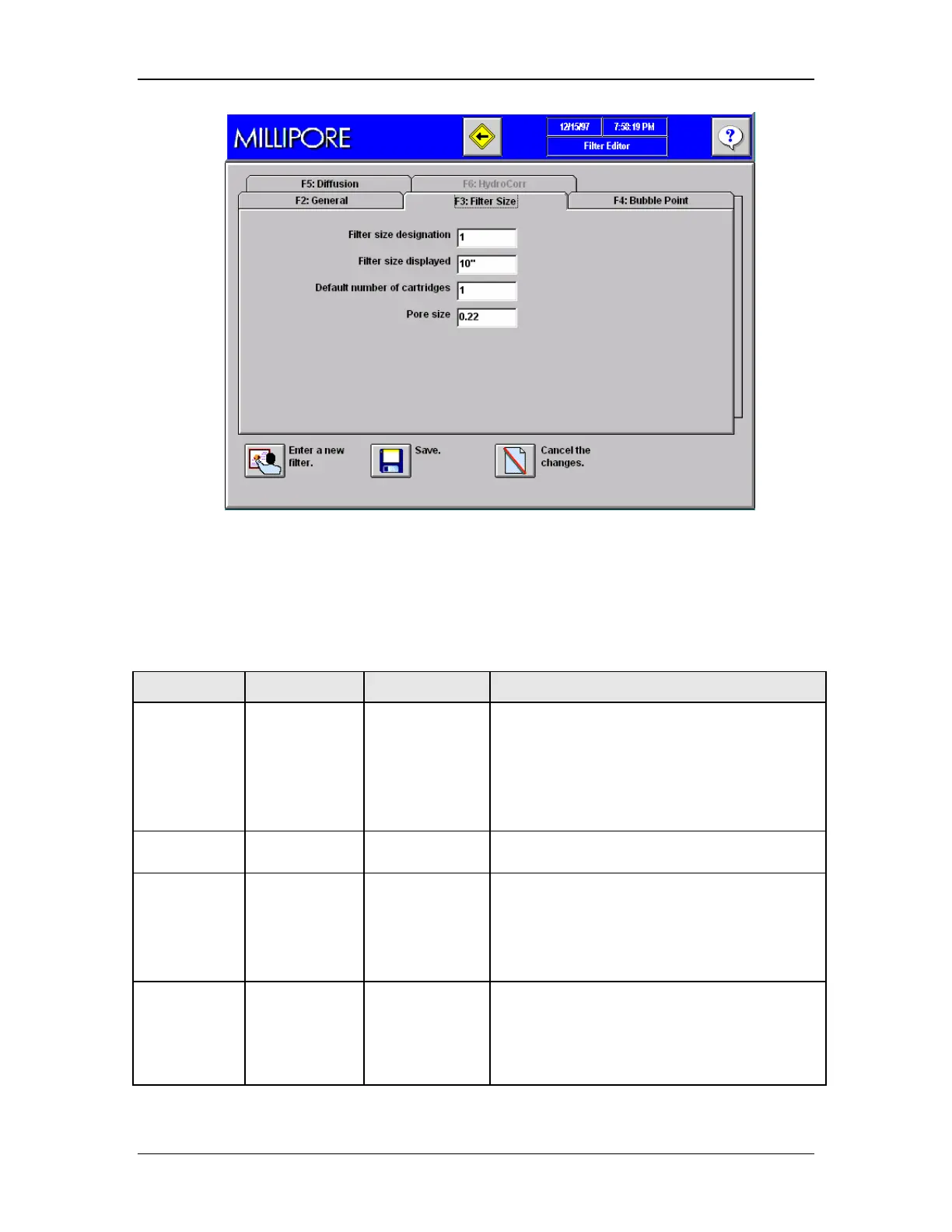
Figure 42: Filter Editor, Tab F3, Filter Size
11. Enter the appropriate data for the filter being entered.
12. Use Table 5 as a guide.
Table 5: Filter Selection Table
Entry Optional or
Mandatory
Instructions Notes
Filter Size
Designation
Mandatory Enter an
integer from
1–4
If the filter is a 10-inch filter, enter 1; if it is a
20-inch filter, enter 2; if it is a 30-inch filter,
enter 3; and if it is a 40-inch filter, enter 4.
For all other filters, enter 1 (for example, a
5-inch cartridge, a 4-inch capsule, a TFF
cassette would all require 1 to be entered).
Filter Size
Displayed
Optional Enter the filter
size.
This is a text field that is for descriptive
purposes.
Default
Number of
Cartridges
Mandatory Enter ‘1’
This entry should always be 1. If you plan to
test a system with multiple filters then that will
be specified in the Test editor when the filter
test is programmed.
Pore Size Optional Enter the pore
size or
efficiency
rating of the
filter.
This is a text field that is for descriptive
purposes.



 To Next Page