Integritest Exacta Filter Integrity Test Instrument
Operating and Maintenance Manual Data Management 163
BACKUP AND RESTORE
The backup and Restore functions are found on tab F3 of the administrators Control Menu
screen. If you are unfamiliar with these screens, see the section titled Control Menu Screen on
page 38. These tools are used by the system administrator to manage system data, test results,
definitions and filter data. The Backup options screen as shown in Figure 65 contains several
options for performing this task which are outlined below.
Backing Up Data
1. Make sure that you have a 3 ½” floppy disk inserted in the Exacta unit. You should
also have extras in case the backup requires more than one diskette.
2. Select the data set that you would like to back up. The files included in each group are
outlined in this chapter under the heading Files Saved.
3. Click
to begin the save operation.
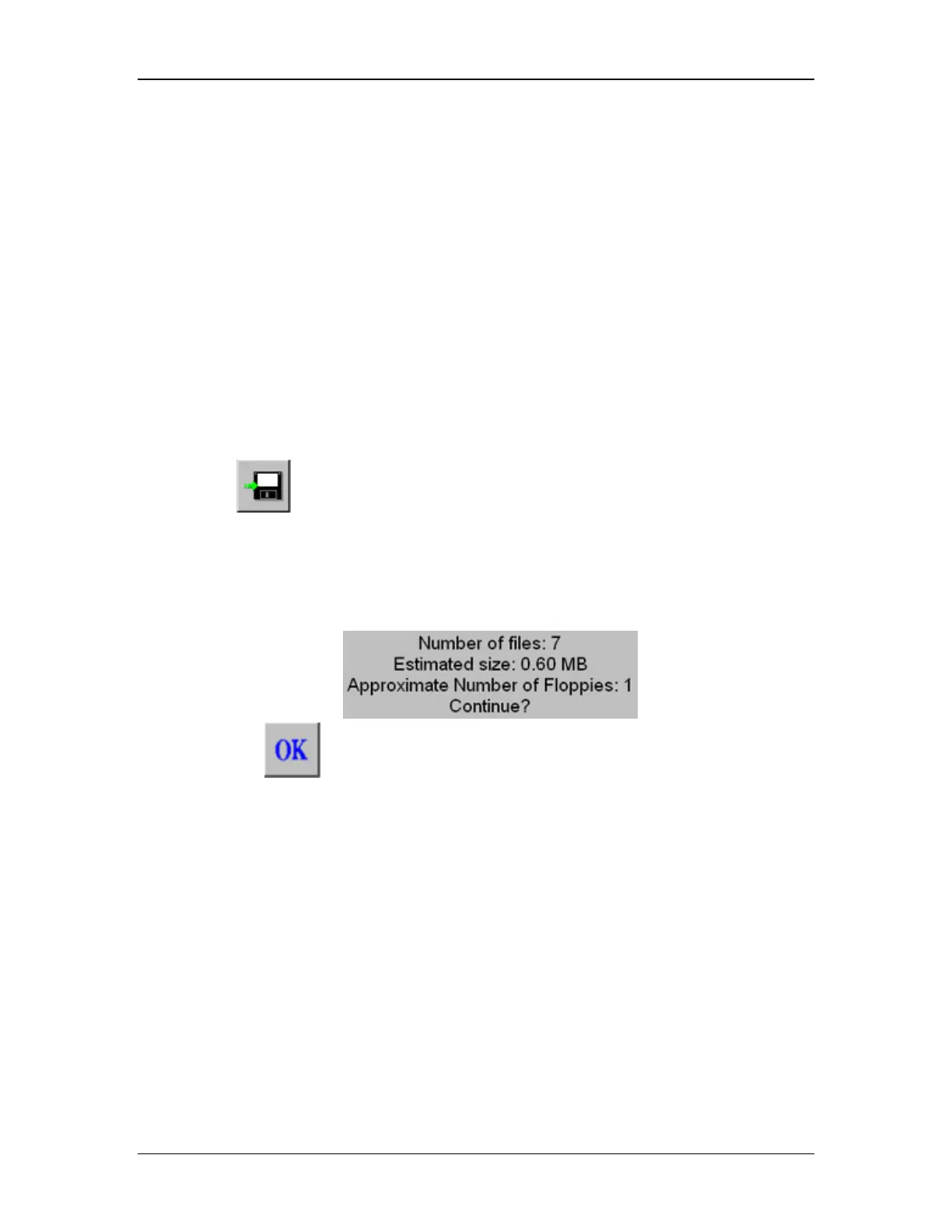
4. The Exacta will now calculate the space needed for the operation to proceed, and will
notify you as to how many diskettes will be required. The unit will prompt you with an
on-screen display detailing the data size and will require confirmation before
proceeding.
5. Click on to proceed.
Files Saved
The following list shows the various backups and what file types are saved in each.
Complete Backup
• integra.mdb
• Itclient.mdb
• *.log
• archive\*_integra.mdb
Current Data Only
• Itclient.mdb
• integra.mdb



 To Next Page