Integritest Exacta Filter Integrity Test Instrument
Operating and Maintenance Manual First Log On 41
TAB 2 – SYSTEM ADMIN
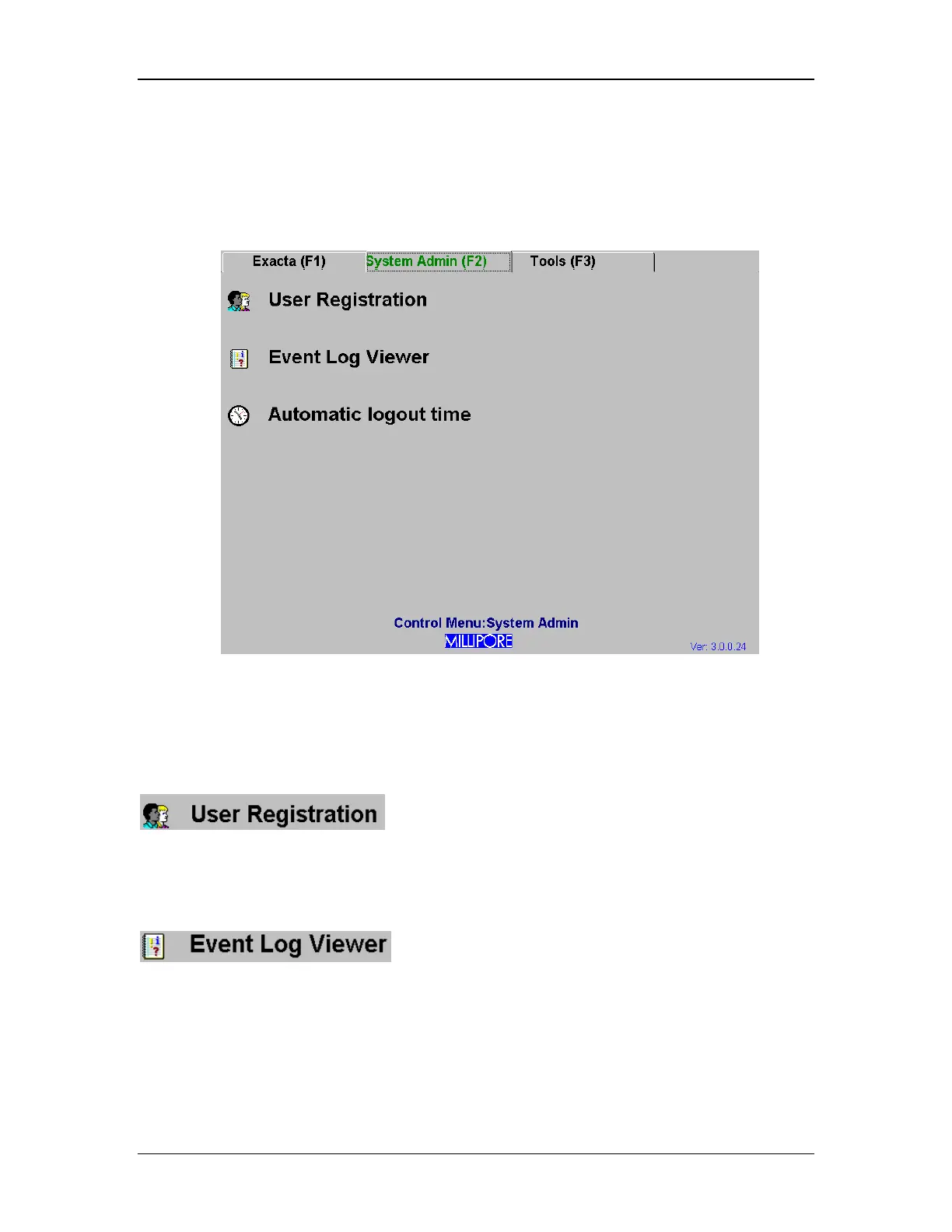
Tab 2 of the Control Menu screen is accessed by clicking on the tab itself or by pressing the
F2 key, and it appears as in Figure 12.
Figure 12: Control Menu screen, System Admin Tab
The tools in tab 2 are each outlined below:
User Registration Utility
is used to manage all of the instrument user accounts.
Clicking on this will bring up the Windows NT User Manager interface. See the section titled
Setting Up User Accounts on page 63 for more information on how to manage user accounts.
Event Log Utility
allows the administrator access to the system Event Log.
Within the Event Log settings, the administrator may change settings for the System Log, the
Security Log, and the Application Log. The administrator can configure maximum log size and
can manage the data within.



 To Next Page