Integritest Exacta Filter Integrity Test Instrument
Operating and Maintenance Manual First Log On 39
TAB 1 - EXACTA
This control allows the administrator access to the instrument. For
information on instrument configuration, please see the section titled Setup Options on page
83. Upon initial access to the instrument, the user will be prompted to fill out a registration
form. For more information on registration, see the section titled Product Registration on page
56.
Restart In Normal Mode
returns the instrument to Normal Mode
(for instance, when the machine has been placed in Archive Mode).
Restart In Archive Mode
This control puts the instrument into its
Archive Mode. The Archive Mode is used to access non-current data. For more information on
Archiving, see the section titled Archiving on page 159.
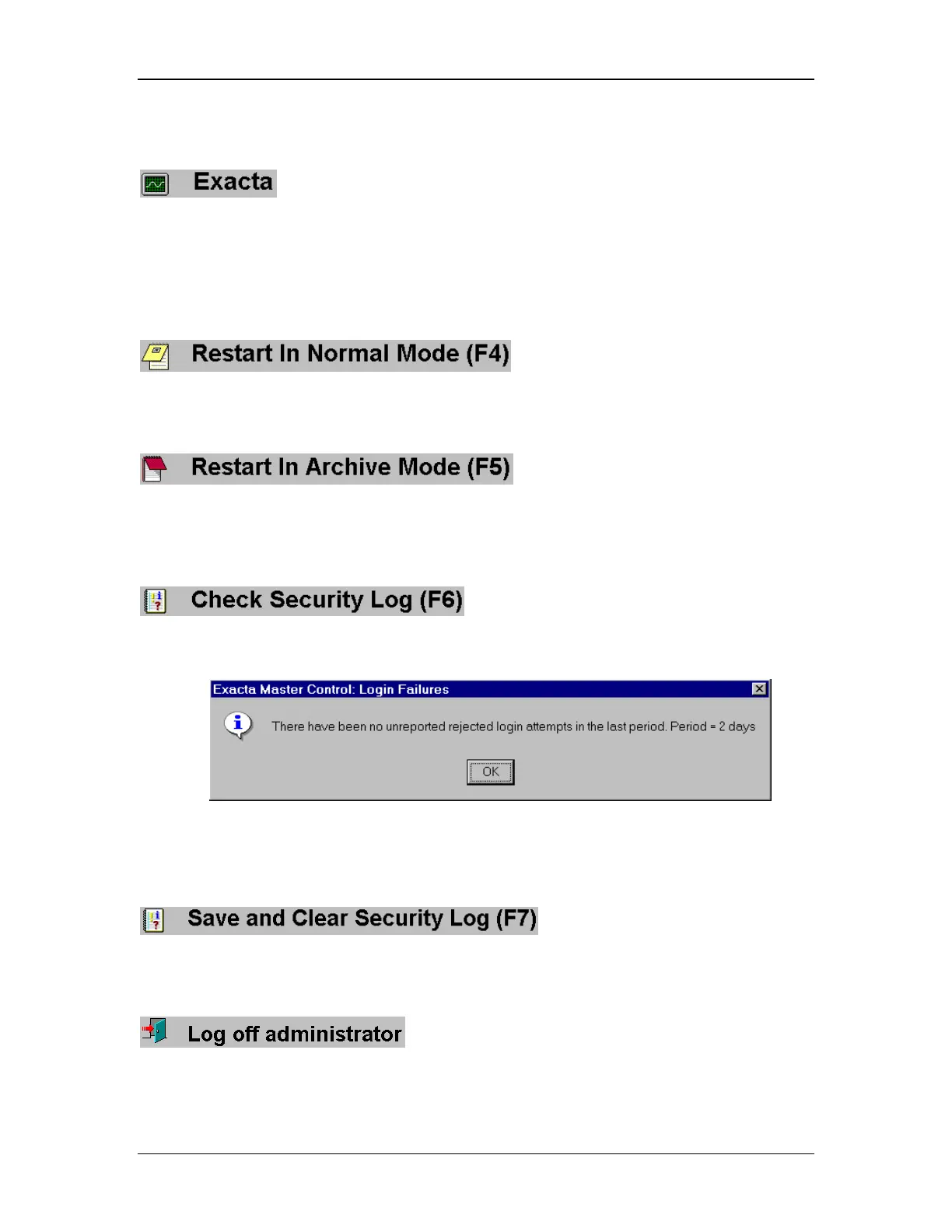
Check Security Log
This control allows an administrator to track
whether there have been any attempted logons by unauthorized personnel. A Login Failures
report window will appear every time the administrator logs in (Figure 11).
Figure 11: Login Failures report window.
Clear Security Log
This tool allows you to perform record
keeping functions of system security.
Log Off Administrator
This tool will log the administrator out of the system, and
the instrument will return to the login prompt (Figure 9, page 20).



 To Next Page