Integritest Exacta Filter Integrity Test Instrument
Operating and Maintenance Manual Data Management 157
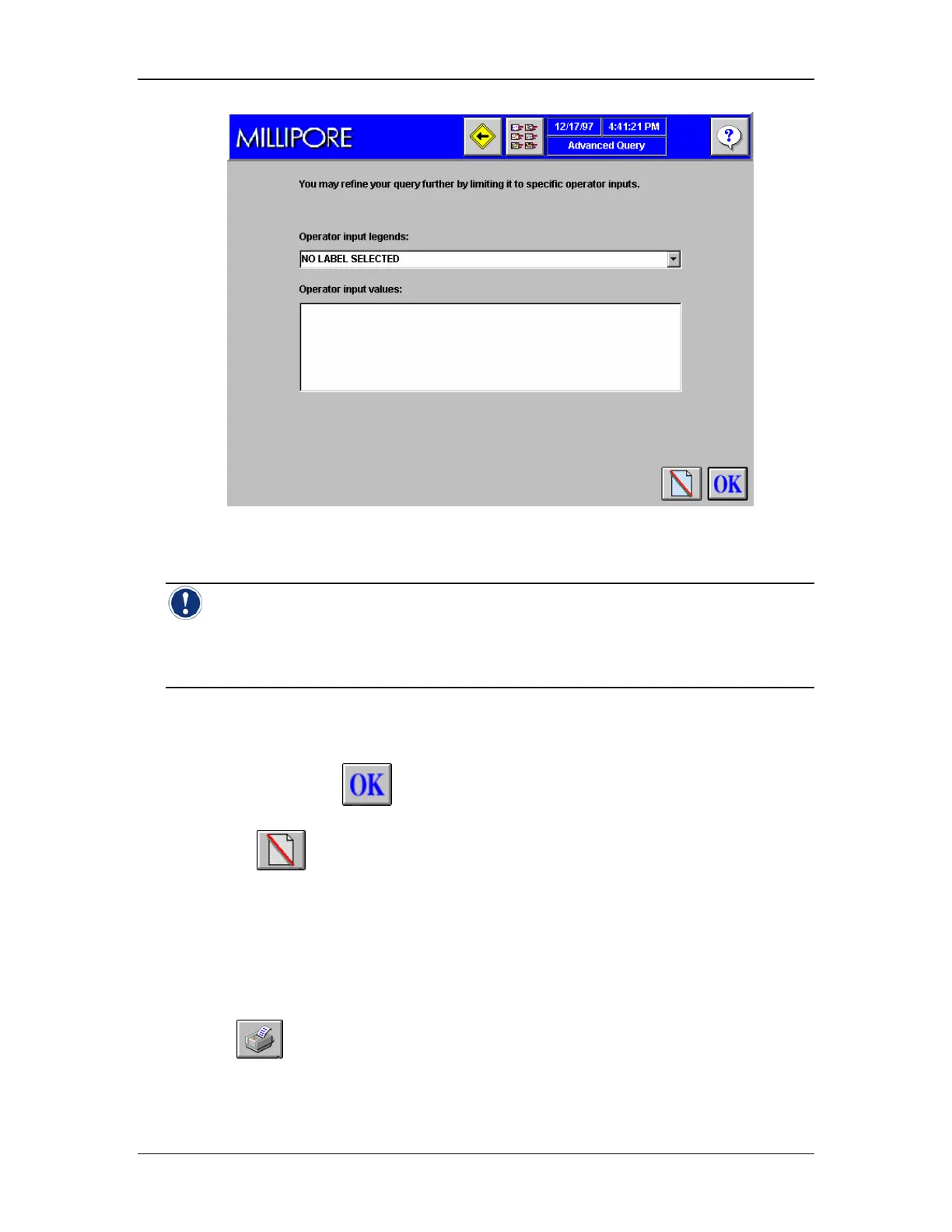
Figure 58: Advanced Query Screen 3, Operator Input Selection
Note: The Third Query Screen utilizes the user configurable operator inputs to search
on. For example, if the test printout has been configured to require the Product Batch
Number before a test is conducted, Product Batch Number can become a searchable
parameter.
9. Select a label from the “Label” list box. (Note: This entry is optional. If no label is
required in the search select “No Label Selected” and go to step 11.)
10. Select the desired value(s) from the “Values” list.
11. Press Enter or click
to continue. The Manage Test Data (Figure 55) screen will
appear with a list of tests that match the query criteria.
12. Or click
to cancel the changes that have been entered.
Printing Stored Test Data Procedure
1. Go to the Manage Test Data Screen.
2. Conduct test data query. At the end of the query, the available test data will appear on
the Manage Test Data screen.
3. Double click on a test from the list. This will cause the print icon to appear on the
screen.
4. Click
to access the Print Preview screen (Figure 59). You can preview the
printout on the screen before printing.



 To Next Page