Millipore System Documentation Set
162 Operating and Maintenance Manual Publication XITXSP121 P Rev.A
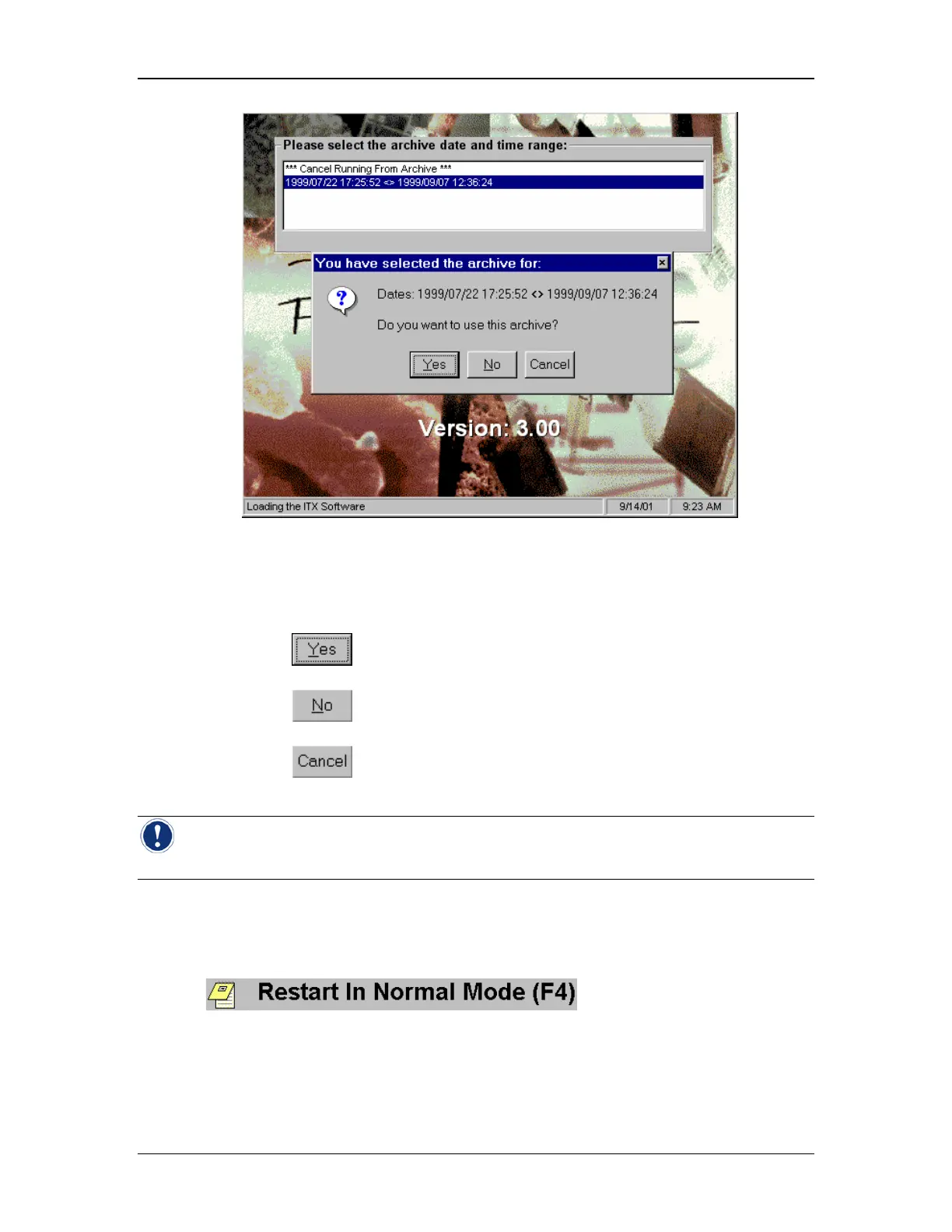
Figure 64: Archive Confirmation Prompt
6. At the confirmation prompt:
• Selecting
will stop Normal Operation mode and re-start the instrument
using the selected archive.
• Selecting
will return the user to the Archive Selection Menu to allow
another selection.
• Selecting
will close the archive selection program and continue ‘normal
operation’.
Note: When the instrument starts in archive mode, the access rights are restricted to
viewing and printing test data.
Restarting in Normal Mode
After viewing any desired archive data, it is necessary to restart the instrument to return to
normal operation. This is accomplished by returning to the System Startup screen and
selecting
.



 To Next Page