Millipore System Documentation Set
78 Operating and Maintenance Manual Publication XITXSP121 P Rev.A
6. Click to save the configuration data for this user. Modify Data for an Existing
User.
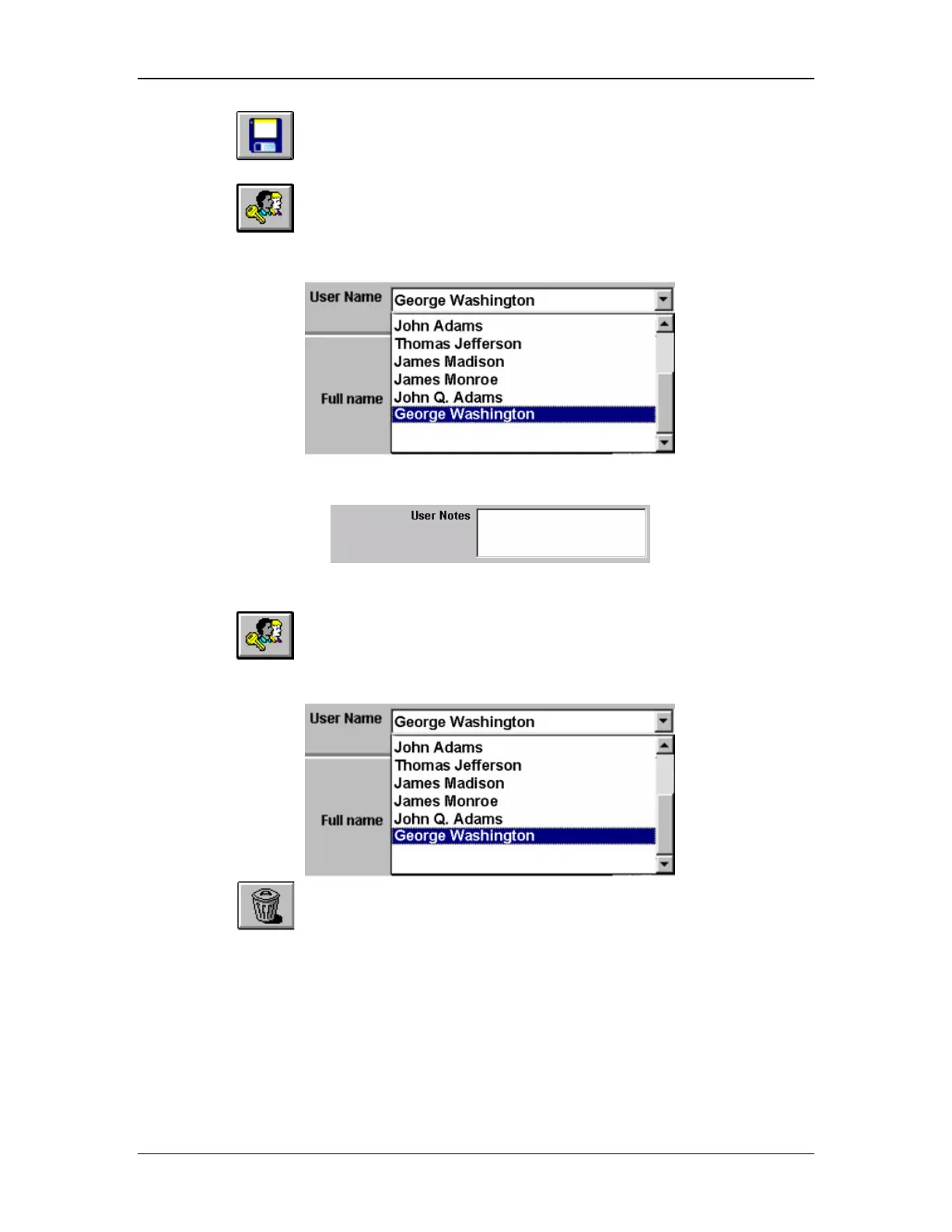
7. Click to open to the User Management Screen (Figure 32).
8. Select the logon name for this user.
9. Modify the user’s full name by entering the desired changes.
10. Modify the details related to this user (optional).
Delete All Data for an Existing User
1. Click
to open to the User Management Screen (Figure 33).
2. Select the logon name for this user.
3. Click to delete all information related to this user.



 To Next Page