Integritest Exacta Filter Integrity Test Instrument
Operating and Maintenance Manual Data Management 165
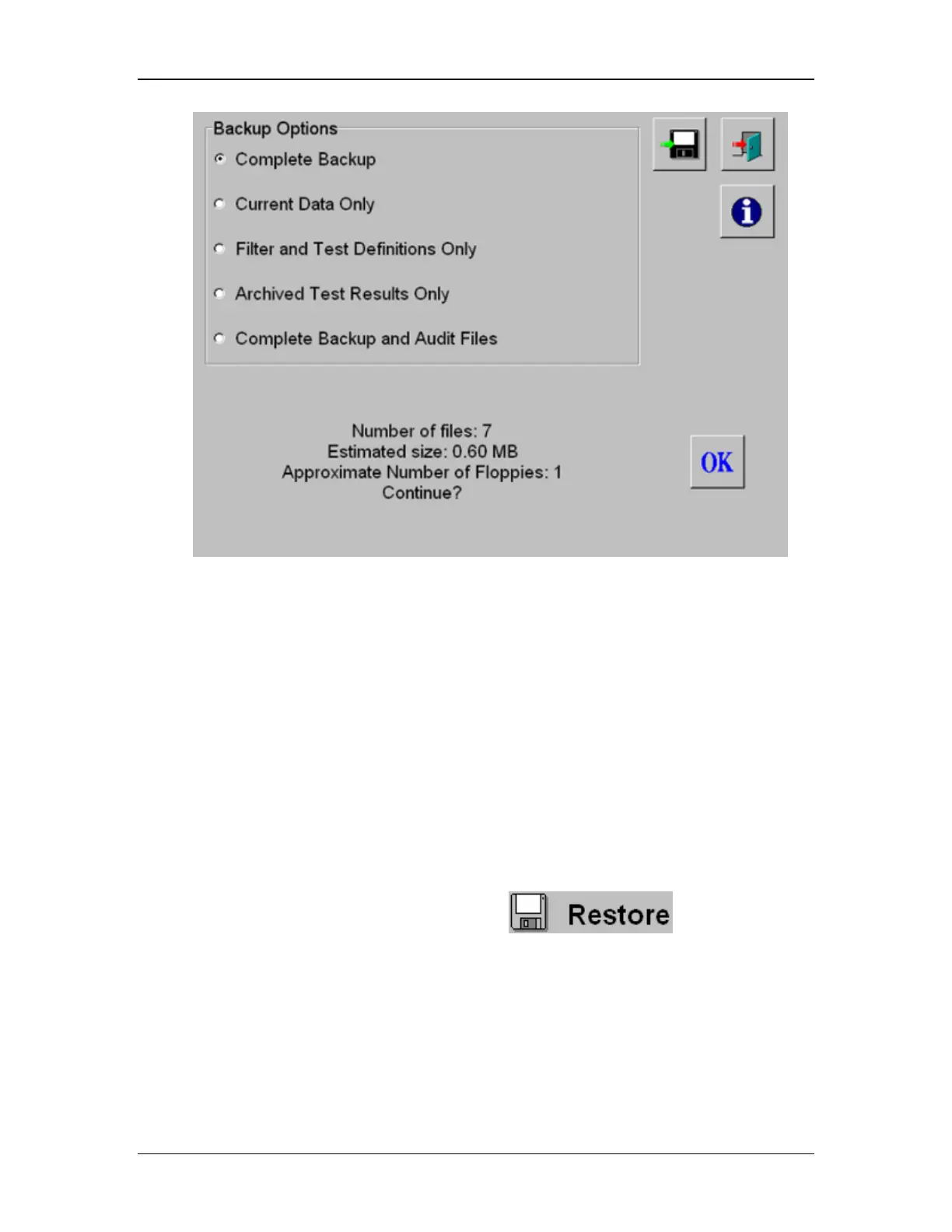
Figure 65: Backing up data to Floppy Diskette
You cannot view the contents of these files on other computers. This ensures that the data is
not modified in any way. Only an Exacta instrument can read from the backup disk. (The
exception to this is the Complete Backup and Audit Files, which allows an auditor to unzip and
view the data). See the section in this chapter titled Auditing Files for information on recovering
data on another system.
Restoring Data From Backup Disks
To restore data that has been backed up to floppy disk, have the disk (or disks) ready and
follow the procedure below.
Procedure
From the Administrators Control Menu, click on the icon.
If there is no disk in the drive, the instrument will prompt you with the warning as shown in
Figure 66.



 To Next Page