Integritest Exacta Filter Integrity Test Instrument
Operating and Maintenance Manual Instrument Setup 87
2. Enter up to four Operator Input legends, which will print on Test Reports. If a legend is
not required, simply leave the corresponding dialog box empty.
3. Select whether the Operator Input legends will be optional or mandatory entries.
If Legend Status
Checked Mandatory
Unchecked Optional
4. Select
to have a second signature line
print out on all reports.
5. Select
to print out reports automatically when tests have
been completed.
6. Click
if you wish to cancel the changes.
7. Or click
to save the changes.
Step 3. Choosing the Default Printer
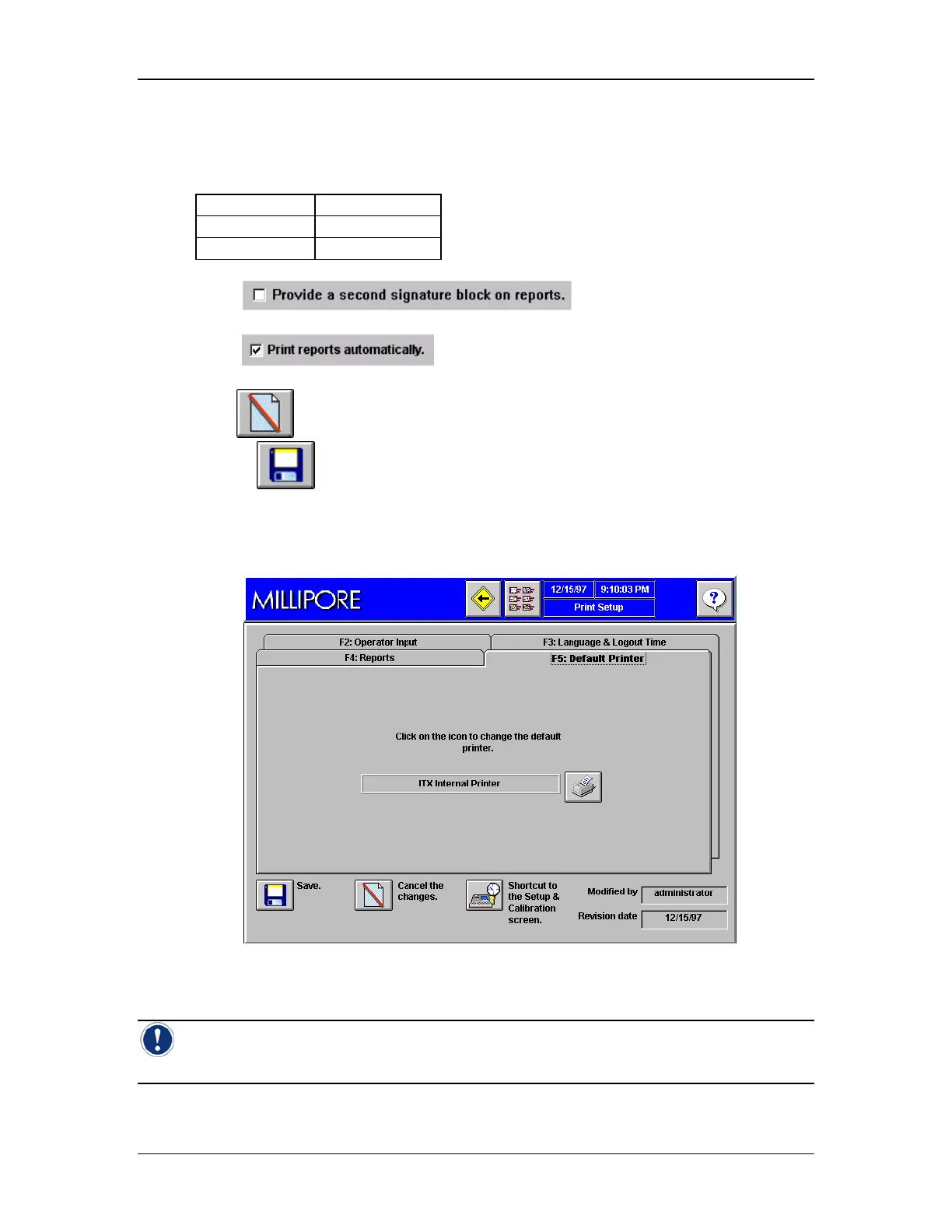
Go to the Print Setup Screen and select Default Printer, Tab F5 (Figure 38).
Figure 38: Print Setup Screen, Tab F5, Default Printer
Note: See the section titled Printers Utility on page 45, and Connecting an External
Printer on page 147 for details on choosing a network printer.



 To Next Page