Millipore System Documentation Set
90 Operating and Maintenance Manual Publication XITXSP121 P Rev.A
• kPag
Procedure
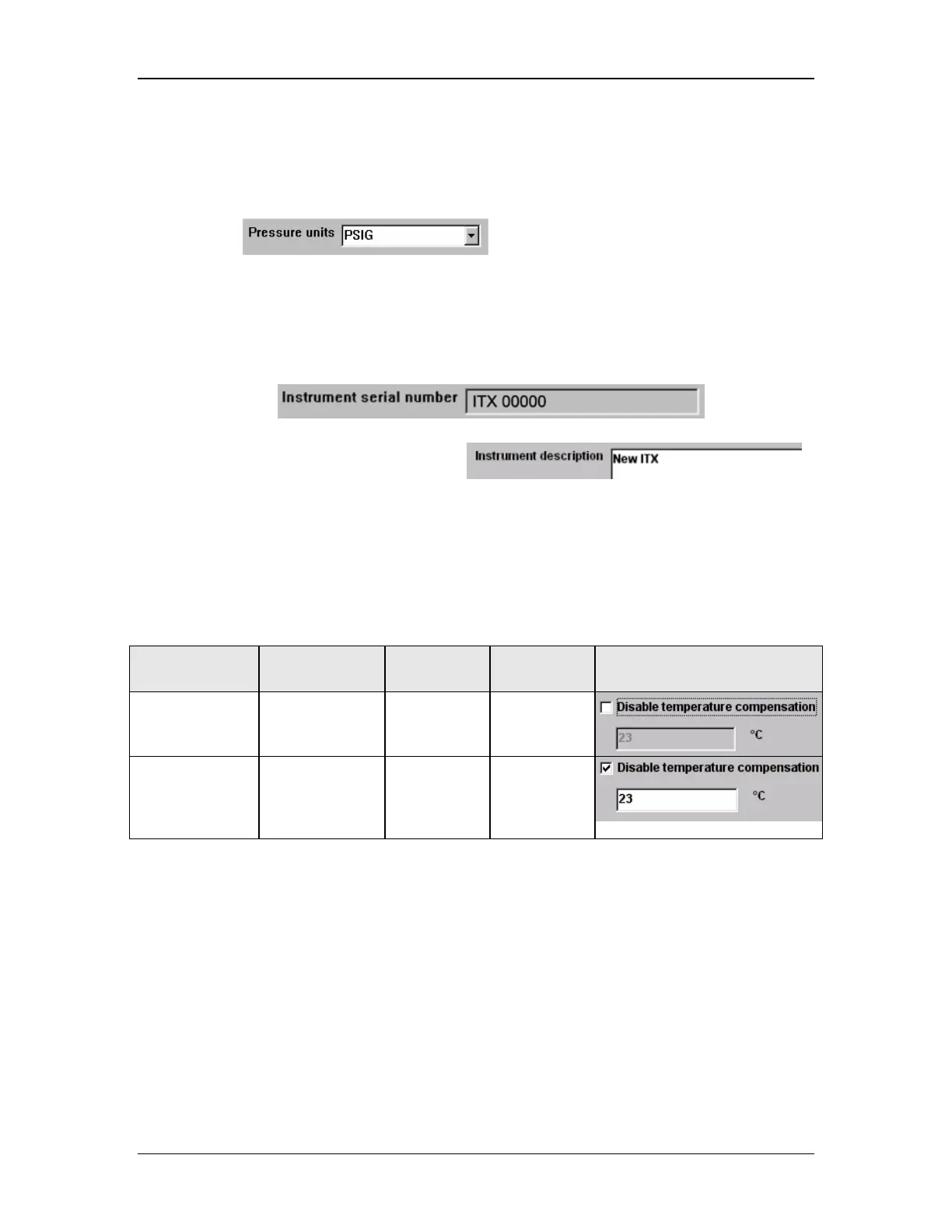
1. Go to the Setup & Calibration Screen and select the Instrument Setup Tab F2 (Figure
40).
2. Select . From the pull-down menu, set the Pressure
units to be used for testing.
Step 6. Enter Instrument Description
1. Go to the Setup & Calibration Screen and select the Instrument Setup Tab F2 (Figure
40).
2. For the current instrument, enter the serial number (found on the rear of the
instrument).
3. Next, enter the instrument description.
Step 7. Use Temperature Compensation
Go to the Setup & Calibration Screen and select the Instrument Setup Tab F2 (Figure 40).
Temperature Compensation may be selected according to the options defined in Table 4.
Table 4: Temperature Compensation
Disable
temperature
compensation
Effect
Modifiable
Data Entry
Screen Element
Not Selected Temperature
measured directly
No Unavailable
Selected
temperature
setting is
required (the
default is 23 °C)
Yes
vailable



 To Next Page