Integritest Exacta Filter Integrity Test Instrument
Operating and Maintenance Manual Running a Test 129
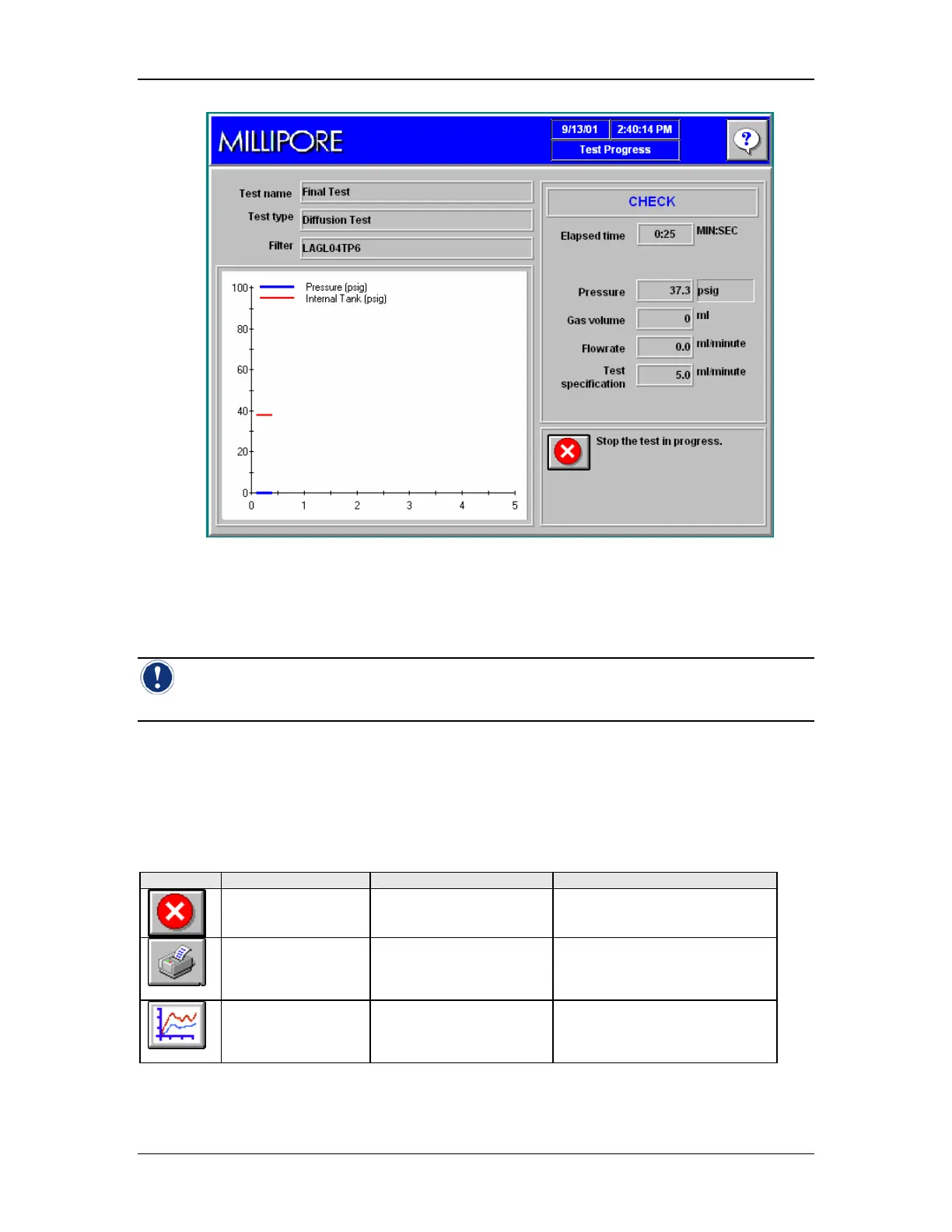
Figure 51: Test Progress: CHECK
Elements of the Test Progress Screen
Note: During the Testing Cycle, the appearance of the screen and the availability of
icons will vary.
Icon Functions
While a test is running the following icons are active.
Table 11: Icon Functions
Icon: Description When it appears: Function
Terminate Test
Icon
While a test is running. Stops the current test.
Print Icon After a test has been
completed or
terminated.
Accesses the print preview
screen and allows the latest
test report to be printed.
Re-test Icon After a test has been
completed or
terminated
Re-starts the last test that was
conducted.



 To Next Page