Millipore System Documentation Set
184 Operating and Maintenance Manual Publication XITXSP121 P Rev.A
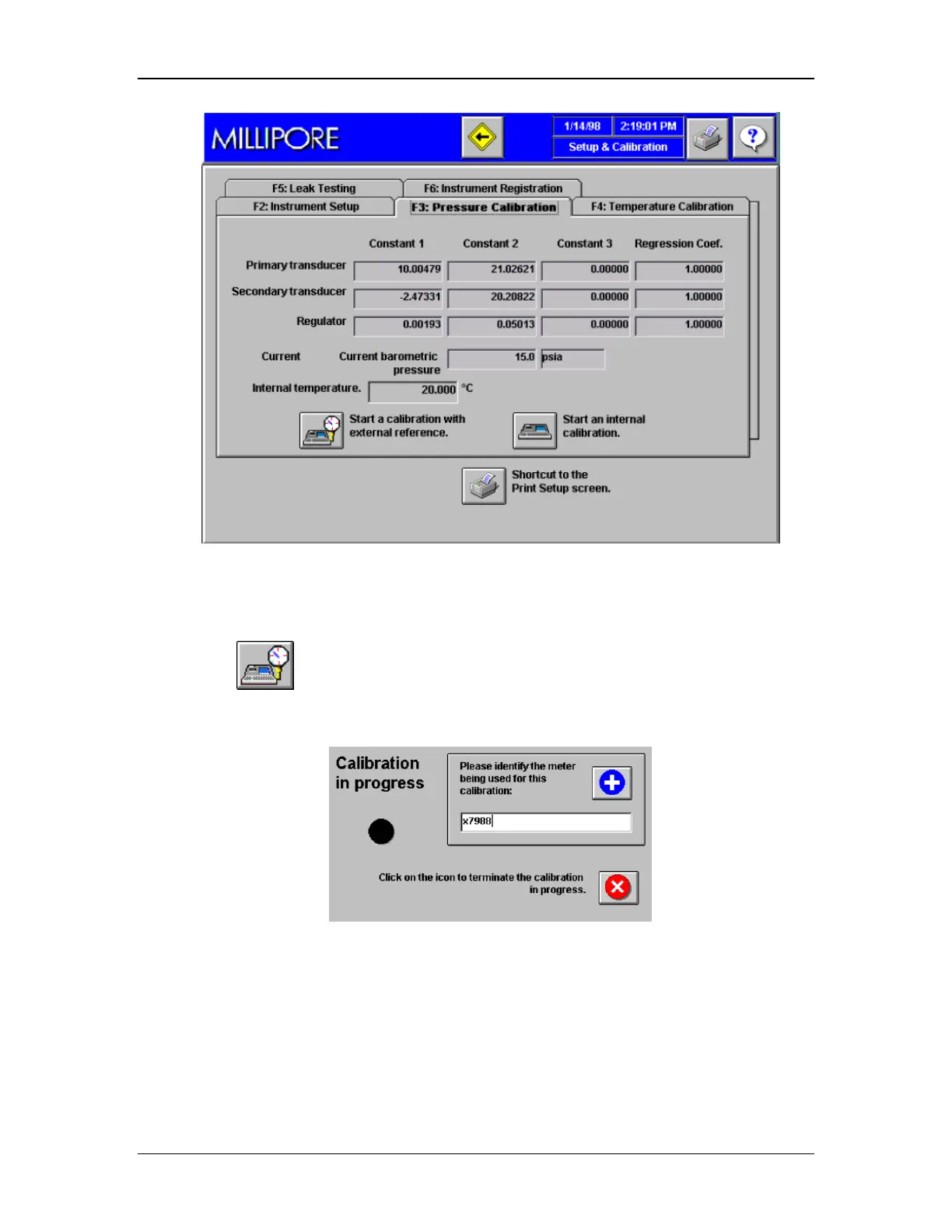
Figure 75: Pressure Calibration
2. Click Tab F3 to open the Pressure Calibration Screen. (Figure 75).
3. Click
to start calibration with external referee points.
4. The following dialog box will appear.
5. Enter the reference gauge identification number. This will be included on the
calibration printout.
6. The instrument will automatically determine the atmospheric pressure and the inlet gas
pressure. Then it begins to collect data for each calibration pressure and will prompt
the operator to input the value from the referee gauge.



 To Next Page