Millipore System Documentation Set
38 Operating and Maintenance Manual Publication XITXSP121 P Rev.A
CONTROL MENU SCREEN
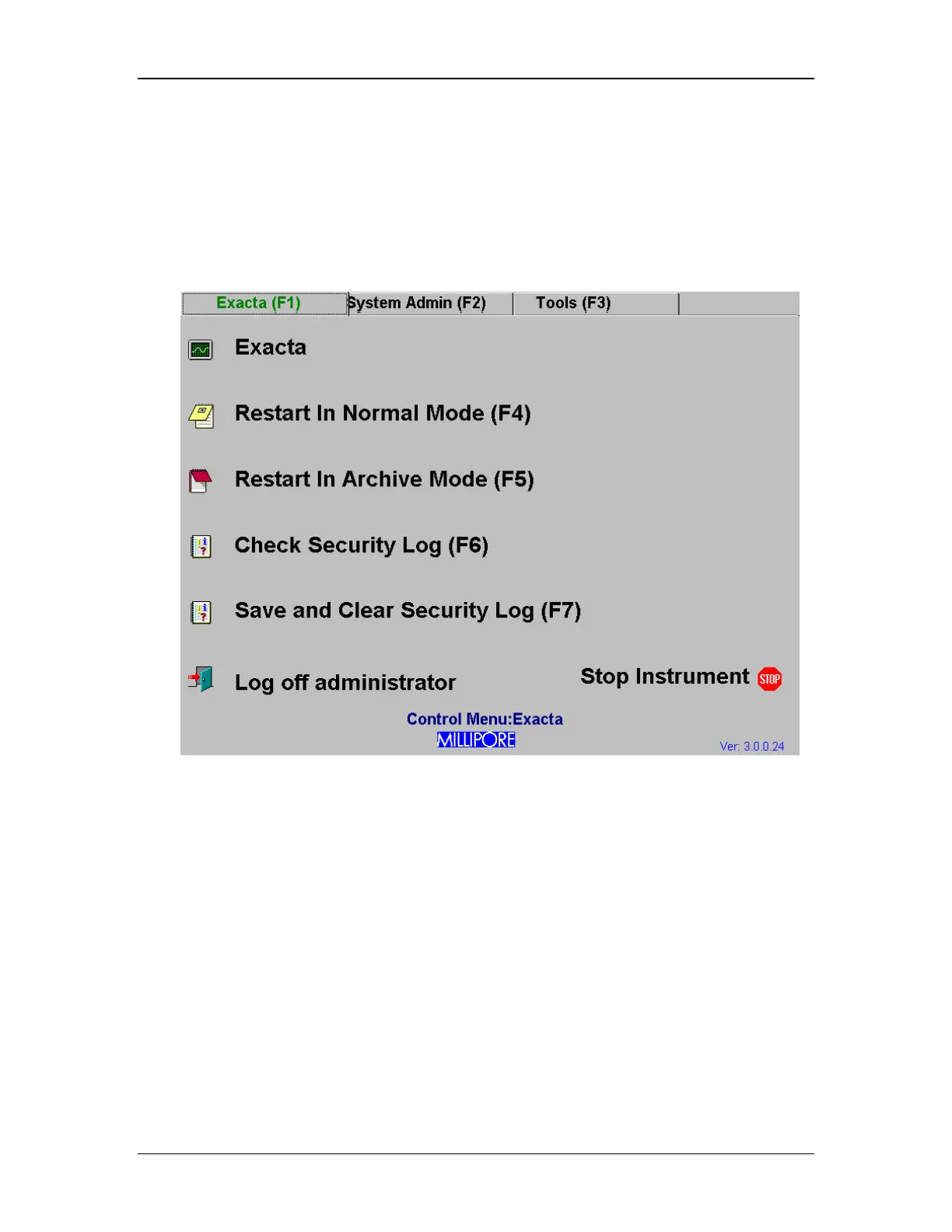
The Control Menu is the starting point for the system administrator. It serves as a map for all
essential administrative tasks. It consists of 3 tabbed menus, accessed by the corresponding
function keys (F1), (F2) and (F3), or by clicking on the tabs. The Exacta tab (F1) is shown in
Figure 10.
Figure 10: Control Menu Screen, Exacta Tab
The administrative tools in the Control Menu are each outlined in this section.



 To Next Page